7 Best WhatsApp Business AI Customer Support Platforms in 2026
Want to understand what are the best tools to build an amazing customer support experience over WhatsApp Business? Here is our very dedicated guide to help you navigate.


Over 3 billion people use WhatsApp every single month.
That's nearly 40% of every human being alive on this planet and almost 70% of all internet users outside of China.
This means the person reading this? Probably on WhatsApp. Your mum's book club? Absolutely on WhatsApp. The guy who fixes your car? Has a WhatsApp group for that.
The data confirms why this matters. WhatsApp has an average open rate of 98%. Email sits around 20%. When a customer chooses WhatsApp to contact your brand, they are not being casual. They are using the most personal communication tool in their daily life. 65% of customers say they feel more confident messaging a business than sending an email. That confidence is built or destroyed by what happens in the first few exchanges... not by the fact that the number exists.
This guide scores eight platforms on how well they actually deliver that experience, specifically on WhatsApp, where the format, the customer behaviour, and the failure modes are unlike any other customer service channel.
Why should you trust this guide?
The same problem that exists in every software comparison category exists here. There are many good platforms. Good for what, good for who, and good at what scale are the real questions.
This guide is a breakdown of fit, not a ranking of features. Each platform is reviewed through the lens of what it was actually built for, where it performs best on WhatsApp specifically, and where the gaps surface in production.
What makes WhatsApp AI support genuinely hard?
Most teams underestimate this. The instinct is to frame WhatsApp Business as a channel addition: connect the API, add a bot, go live. That instinct misses the real complexity by a significant margin.
WhatsApp Business has its own physics: customers do not type carefully formatted queries with subject lines, they send a voice note from the car, they photograph a broken product and send it with "this is wrong fix it.", they send three messages in a row as a single thought, they go quiet for four days and then follow up mid-thread, expecting you to know exactly where they left off.
The 24-hour messaging window rule creates hard operational constraints. Template messages must be pre-approved for outbound contact. The channel is asynchronous but feels synchronous to the customer. These are not minor technical footnotes, they fundamentally reshape what "AI support" needs to actually work here.
Then there is the input problem, On other channels, customers type. On WhatsApp, a significant share of customers, particularly in Latin America, Africa, South Asia, and Southeast Asia, communicate primarily via voice notes. A support AI that cannot transcribe and understand a voice note is not supporting those customers. It is creating a two-tier service experience inside a single channel, and the customers on the wrong side of it notice immediately.
Getting WhatsApp AI support right requires solving all four failure modes simultaneously: understanding every format customers actually use, resolving queries end-to-end without human involvement, giving operators a system they can actually manage, and connecting conversations to real actions in real systems.
What "conversational AI" actually means on WhatsApp
"Conversational AI" gets used loosely across this category, so it’s worth being precise about what separates it from a scripted bot. A scripted bot matches keywords or button taps to pre-written replies. Conversational AI holds context across a multi-turn exchange, understands intent even when the wording is messy, and can carry a thread forward without the customer repeating themselves. On WhatsApp specifically, where messages arrive fragmented and out of order, that distinction decides whether the AI resolves the conversation or just responds to the last message in it. Every platform in this guide claims "AI." The scoring below tests whether that AI is conversational in practice, not just in the marketing copy.
Reliability at scale: uptime, delivery guarantees, and migrating without losing history
Most WhatsApp support comparisons stop at features. They skip the question that actually decides whether a rollout survives its first bad week: what happens when the platform itself has a problem.
Outages on WhatsApp land differently than they do on a website widget. A dashboard failing quietly for ten minutes is an internal incident. A WhatsApp number going silent for ten minutes, on a channel where customers already expect a personal one-to-one thread, reads as the business ignoring them. There is no "site down" banner. Just silence in a chat that was working an hour ago.
Three things are worth checking with any WhatsApp API provider before you commit, none of which show up in a features list:
Delivery guarantees during peak load. Message delivery rates drop for some providers specifically during high-volume periods: flash sales, product launches, the exact moments reliability matters most. Ask for real uptime numbers during peak windows, not an average across a quiet year.
Migration without losing history. Switching WhatsApp API providers is common as teams outgrow their first setup, but not every platform preserves existing conversation history in the move. Losing months of customer context on migration day defeats the point of switching to something more reliable.
What happens when a template gets rejected. WhatsApp’s approval process for outbound template messages is not instant, and a provider with a slow or opaque approval queue can stall an entire campaign or notification flow for days. Ask how long template approval typically takes with each vendor, and whether they’ll tell you why a rejection happened.
None of the platforms in this comparison publish a WhatsApp-specific uptime SLA distinct from their web chat SLA. If reliability at scale is a primary concern, ask directly, and ask for numbers, not a policy statement.
How we scored each platform
Every platform in this guide is rated across four dimensions that reflect the specific realities of WhatsApp as a support channel.
- AI Resolution Quality (25%) — Does the AI actually close tickets, or just respond to them? Can it handle multi-turn conversations without losing context?
- Native Media Handling (25%) — Voice notes, images, PDFs, video. If the AI can't see, hear, and read what customers send on WhatsApp, it's not real WhatsApp support.
- Setup Speed and Operator UX (25%) — Can a support manager train the bot and update flows without calling engineering? The best tools feel built for the operator, not just the customer.
- Automation Depth and Integrations (25%) — Can it take actions? Order tracking, refund initiation, CRM connections. A chatbot that can't act is a receptionist with no access to the office.
The 7 Best WhatsApp AI Customer Support Platforms in 2026
Here are some of the eight best Whatsapp AI customer support platforms in the market today:
| Platform | AI Resolution | Media Handling | Setup & UX | Automation | Overall | Best for |
|---|---|---|---|---|---|---|
| Crisp | 4.5 | 4.5 | 4.5 | 4.5 | 4.5 | All-round support |
| Intercom Fin | 4.5 | 4.0 | 3.5 | 4.5 | 4.1 | Complex queries |
| Respond.io | 4.0 | 4.0 | 3.5 | 4.5 | 4.0 | Revenue + support |
| Wati | 3.5 | 4.5 | 4.5 | 3.5 | 3.9 | SMB / WhatsApp-only |
| Landbot | 3.0 | 3.5 | 4.5 | 3.5 | 3.7 | Structured flows |
| Freshchat | 3.5 | 3.5 | 4.0 | 3.5 | 3.6 | Freshworks teams |
| ManyChat | 3.0 | 3.5 | 4.5 | 3.5 | 3.4 | Campaigns & e-comm |
Scores out of 5 · Four equally weighted dimensions (25% each)
1. Crisp
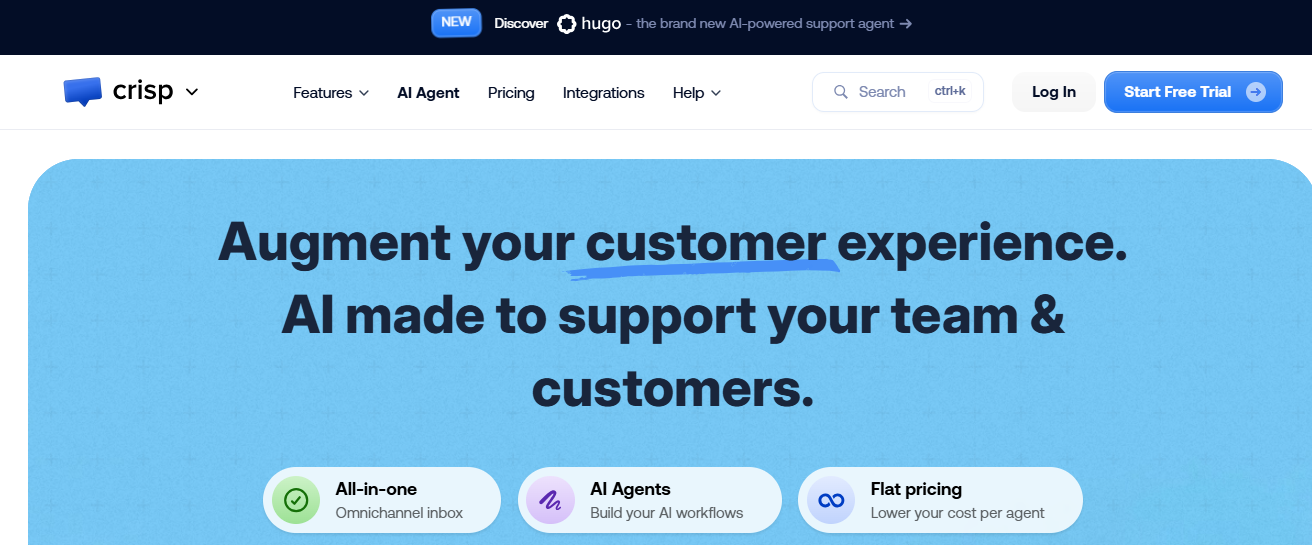
Crisp was built differently from the API-first vendors in this comparison, and the distinction is most visible on WhatsApp Business specifically.
Hugo is a next-generation AI support agent fully integrated with Crisp. While conversational at its core, Hugo goes beyond answering questions; it understands customer intent and context to proactively guide users toward resolution, without requiring structured input or scripted prompts. On WhatsApp, where customers describe problems in fragments, switch between casual and urgent tones mid-conversation, and rarely ask questions the way a support form would phrase them, that distinction is load-bearing. Hugo does excellently well in dealing with this sort of fragmented style conversation.
What separates Crisp from infrastructure-heavy platforms like Gupshup is where the intelligence lives. Gupshup gives you the pipes and expects your engineering team to build everything that runs through them. Crisp ships the intelligence alongside the infrastructure. The visual bot builder lets teams create complex WhatsApp flows without technical skills, collaborate directly from the unified inbox, and train the AI on product documentation, FAQs, and support history so it learns from real conversations and knows when to involve a human agent.
The training model is also meaningfully different from platforms that depend on a single static knowledge source. Crisp supports training through Q&A pairs, help articles that are automatically reindexed every time content is updated, and a content scraper that pulls from your public web presence, including blogs and marketing pages. A support manager can update any of these sources directly. When a request exceeds what Hugo can handle, it escalates seamlessly with full context, so the handoff doesn't cost the customer a restart.
AI Resolution Quality 4.5/5
Hugo understands customer intent and context to guide users toward resolution; not just what keywords appear in a message, but what the customer is actually trying to do. That matters on WhatsApp specifically, where customers send fragmented messages, use informal language, and rarely describe a problem in one clean sentence. Follow-up questions are contextually relevant rather than generic restarts. This holds up when queries get complicated, which is where most WhatsApp bots fall apart.
Native Media Handling 4.5/5
Images, documents, and files sent through WhatsApp surface in the conversation with full context intact, and agents can act on them without switching tools. The AI uses received media as part of the conversation rather than just logging receipt and waiting for a human.
Setup Speed and Operator UX 4.5/5
No-code from start to finish. The visual workflow builder operates without engineering tickets. WhatsApp channel connections typically take under an hour. The dashboard was designed with the support manager in mind: routing logic is visible, automation rules are accessible without nested menus, and conversation history is readable without hunting. A team with zero technical background can realistically be live within a day. The reason this does not score a perfect 5 is that advanced multi-condition workflows take real time and patience to configure correctly. That is a depth tradeoff, not a usability failure.
Automation Depth and Integrations 4.5/5
Hugo can take action when given the tools. CRM lookups, order status retrieval, escalation triggers, and workflow-driven actions execute inside the WhatsApp conversation without human involvement. This is the core contrast with API-heavy vendors: Crisp does not hand you an API and leave the automation to your engineering team. The automation is built into the product, configurable by operators, and deployable without code. Integration with external tools extends what Hugo can do in real time. The per-workspace pricing means automation capability scales without the per-agent cost compounding as the team grows, which is a meaningful structural advantage as ticket volume increases.
Pricing: Free plan available. Essentials at $95/month introduces Hugo with monthly AI credits. Plus at $295/month unlocks unlimited AI resolutions and full ticketing. Priced per workspace, not per agent.
Key features for WhatsApp AI support
- Hugo AI agent with intent-based resolution across complex, multi-turn WhatsApp conversations
- Media handling for images, files, and documents within the WhatsApp conversation
- No-code workflow builder and AI training accessible to non-technical operators
- Built-in automation logic, not an API framework that requires engineering to activate
- Flat workspace pricing with no per-agent scaling cost
Overall WhatsApp AI score: 4.5/5
One of the most operationally complete WhatsApp support platforms in this comparison. The key point to pick out here: unlike API-heavy vendors, where infrastructure capability requires a development team to activate and maintain, Crisp makes things so much easier for just about anyone to set up.
2. Intercom Fin
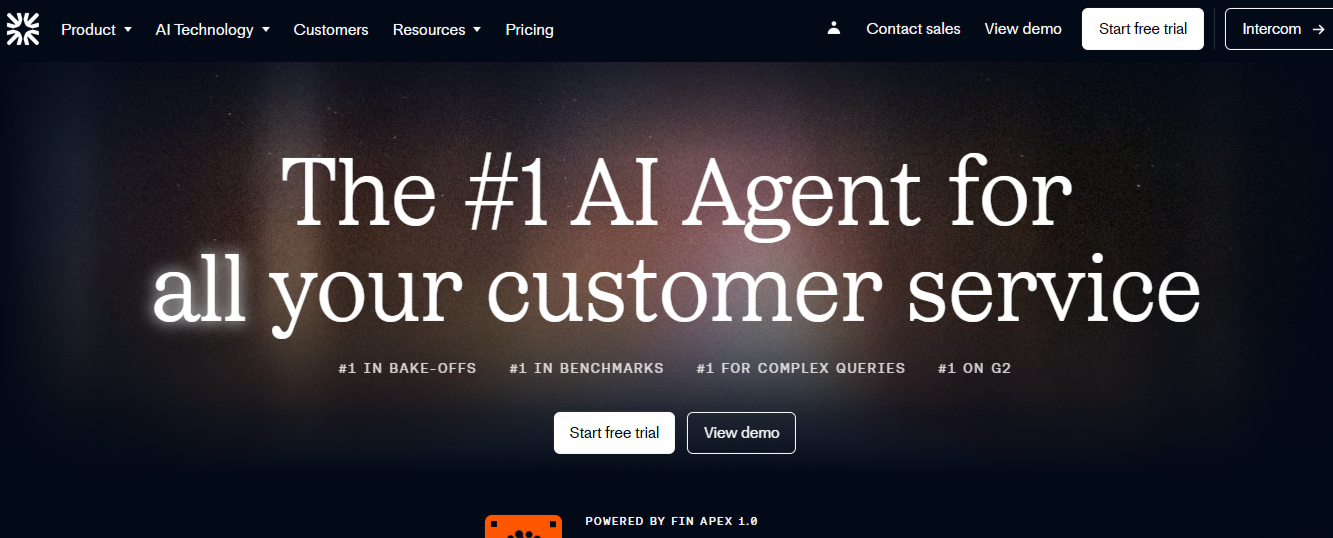
Fin has one characteristic that generates more community consensus than any other AI agent on this list: response accuracy on complex queries. When a customer sends a multi-part question in informal WhatsApp language, Fin understands what is being asked and gives a precise, contextually appropriate answer more consistently than most alternatives. That capability is the product of significant investment over the past two years, and it shows in the output.
The honest qualifier is the pricing model. Fin charges per successfully resolved conversation. That model rewards operational predictability and punishes volume spikes. Whether that is a feature or a liability depends entirely on your volume profile.
AI Resolution Quality 4.5/5
This is where Fin sets the benchmark. The Procedures framework enables genuine multi-step agentic workflows inside WhatsApp conversations, including human-approval checkpoints for sensitive actions like refunds or account changes. That approval layer is meaningful for any operation where an AI taking the wrong action has real downstream consequences.
Native Media Handling 4/5
Images and file attachments surface in the unified workspace with context intact. Rich media handling across WhatsApp is functional and reliable. The gap that shows up in WhatsApp-specific deployments is voice note transcription: Fin does not natively transcribe incoming voice notes on WhatsApp messaging channels. In markets where voice notes is one of the key way customers communicate, that creates a real asymmetry in resolution capability. Customers who type get a materially better AI experience than customers who send audio.
Setup Speed and Operator UX 3.5/5
Getting Fin live on a single WhatsApp channel can happen in a reasonable timeframe. Configuring Procedures for complex multi-step WhatsApp workflows and deploying across multiple channels requires more time and technical investment than the initial setup implies. This is not a platform you expect to put fully functional in 2-3 days. The Simulations feature, which lets you test Fin's behaviour across WhatsApp conversation paths before going live, is a genuine differentiator. It shortens the feedback loop on deployment and reduces the risk of putting an undertrained AI in front of real customers on a channel where mistakes feel personal.
Automation Depth and Integrations 4.5/5
Fin does not just respond. Procedures connect to external systems and execute real actions inside the WhatsApp conversation: retrieving data, updating records, triggering downstream workflows. The human-approval checkpoint is a standout for regulated or financially sensitive operations. CRM integration depth with Salesforce and HubSpot is strong.
Pricing: $0.99 per successfully resolved conversation. This is on top of your Intercom platform subscription fees. At 10,000 monthly resolutions, AI fees alone reach $9,900 before the base subscription. Model your WhatsApp volume carefully before committing.
Key features for WhatsApp AI support
- Best-in-class AI response accuracy on complex WhatsApp queries
- Procedures framework for multi-step agentic workflows with human-approval checkpoints
- Simulations for testing conversation paths before going live
- Deep CRM integration with action capability inside conversations
Overall WhatsApp AI score: 4.1/5
One of the strongest AI resolution accuracy in the market. The voice note gap and per-resolution pricing are the two variables to assess against your specific WhatsApp operation before committing.
3. Respond.io
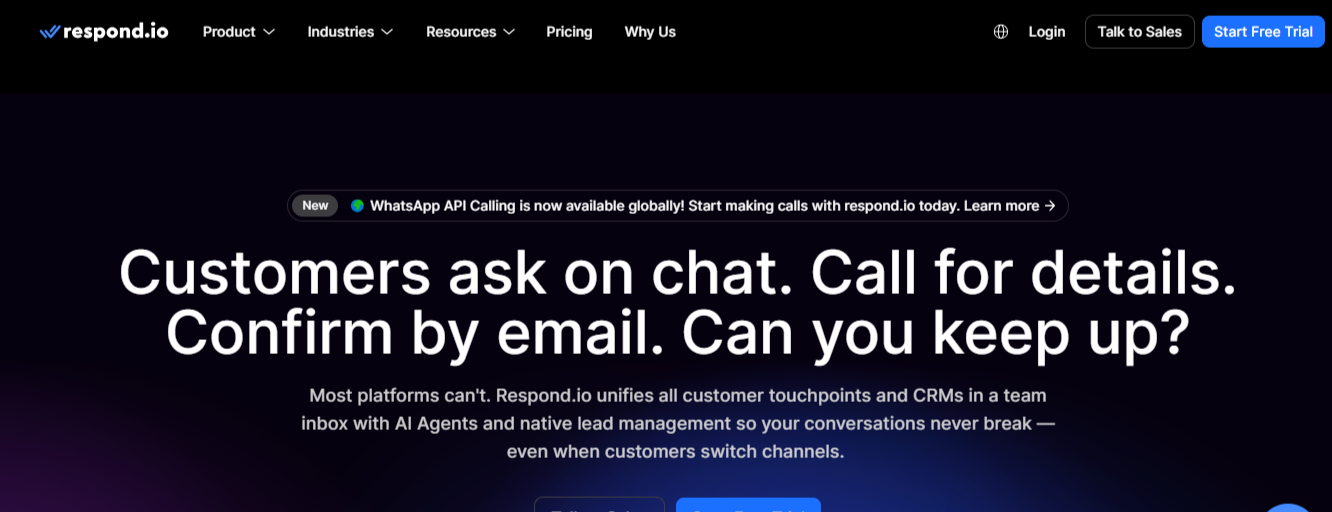
Respond.io was built for teams that use WhatsApp as a revenue channel, not just a service channel. Conversations in Respond.io are structured around contacts and deals. The AI layer is built to qualify, follow up, and close alongside resolving support queries. If your WhatsApp inbox is handling both inbound customer problems and outbound sales conversations simultaneously, this platform was designed for that operational reality.
AI Resolution Quality 4/5
The AI Agent handles routine resolution and qualification workflows with reliable accuracy. The Respond.io AI Copilot assists human agents in real time with suggested replies, conversation summaries, and next-step prompts... which is a meaningful capability for teams where some WhatsApp queries will always require a human touch. The ceiling appears on highly complex or open-ended support queries outside structured conversation flows. Teams with a high proportion of predictable, repeatable WhatsApp queries will find the resolution quality strong. Teams with wide query variety will want to test the edge cases carefully.
Native Media Handling 4/5
Full WhatsApp media handling, including images, documents, and file attachments in the unified inbox. Voice note transcription is supported, which matters operationally for markets where audio messages are common. The contact-centric data model means all media sent across sessions attaches to the customer record rather than a session log... so a photo a customer sent three weeks ago is still visible and linked to their current conversation.
Setup Speed and Operator UX 3.5/5
The visual workflow builder is accessible for non-technical operators on standard flows. The contact-centric data model, which is one of the platform's genuine strengths, has a learning curve for teams coming from ticketing-first platforms. Getting the full sales-and-support hybrid WhatsApp workflow operating correctly takes meaningful configuration time. Teams that only need the support function will spend time navigating a sales-oriented architecture they do not use, which adds friction to the operator experience that is not present on more support-focused platforms.
Automation Depth and Integrations 4.5/5
This is Respond.io's strongest dimension on WhatsApp specifically. Outbound broadcast messaging, contact segmentation for targeted WhatsApp campaigns, and trigger-based sequences are genuinely well-executed. Native CRM integrations with HubSpot and Salesforce enable conversations that update records and trigger downstream workflows in real time. Order status lookups, routing based on contact attributes, and multi-step conditional logic are all available. For teams where WhatsApp automation needs to span both sales pipeline and support resolution, the automation depth here is the strongest in this comparison.
Pricing: Starter at $79/month. Growth at $159/month. Advanced at $279/month. Enterprise on custom pricing. WhatsApp conversation charges from Meta apply separately on top of all plans.
Key features for WhatsApp AI support
- AI Agent plus real-time AI Copilot for hybrid autonomous and assisted resolution
- Contact-centric data model with full cross-session media and conversation memory
- Outbound WhatsApp broadcast and campaign automation with contact segmentation
- Deep CRM integration with live record update capability inside conversations
- Multi-agent team inbox designed for simultaneous sales and support operations
Overall WhatsApp AI score: 4.0/5
The right platform for teams where WhatsApp drives both revenue and support from the same inbox. The automation depth and outbound capability are the strongest differentiators on this list for the hybrid use case.
4. Wati
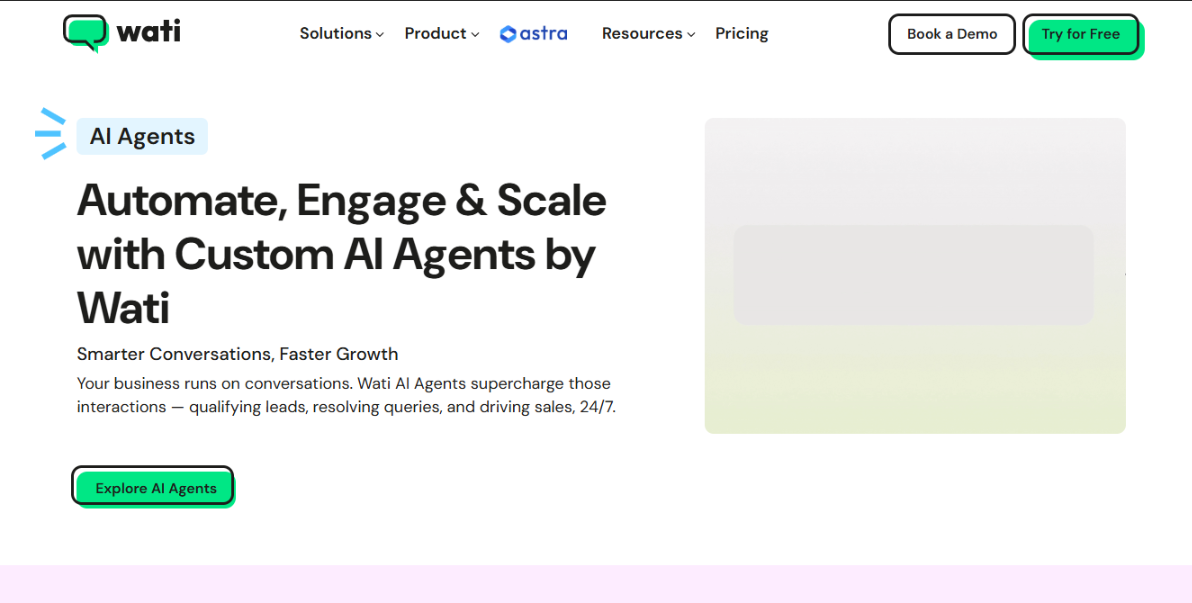
Wati is WhatsApp-native, not in the way platforms claim to be, but architecturally. Every feature, every workflow decision, every interface choice was built specifically for WhatsApp Business API operations. That focus produces channel depth that broader platforms consistently fail to match. The tradeoff is equally clear: teams needing support beyond WhatsApp will hit a wall fast.
AI Resolution Quality — 3.5/5
The AI layer, trained on an uploaded knowledge base, resolves common queries reliably on well-documented topics. Complexity, ambiguity, or multi-intent messages hit the ceiling faster than platforms running more capable underlying LLMs. Teams where 80% of WhatsApp queries are repeatable (order status, returns, booking) will find the resolution quality solid. Everyone else will escalate more than expected.
Native Media Handling — 4.5/5
This is where Wati earns its "WhatsApp-native" label. Template creation with approval tracking, interactive buttons, list messages, catalogue sharing, WhatsApp Pay integration, voice notes, images, documents — all handled natively with full context preserved. The broadest WhatsApp-native media support on this list at this price point. Nothing else at this tier comes close.
Setup Speed and Operator UX — 4.5/5
The fastest dedicated WhatsApp deployment on this list. Guided API setup, pre-built templates, and an operator-friendly interface mean a team can realistically go live within a day. The SMB-first design priority is obvious throughout. Advanced multi-tier escalation and complex conditional logic across large agent teams is where the ceiling shows.
Automation Depth and Integrations — 3.5/5
The no-code flow builder handles conditional routing and structured automation well. Native Shopify integration brings live order data into conversations without custom development. Where depth is more limited versus Respond.io or Crisp: complex autonomous actions mid-conversation — updating CRM records, initiating refunds, executing multi-step logic tied to external data — require more configuration and, for complex scenarios, technical involvement.
One cost note worth flagging: Wati applies roughly a 20% markup on top of Meta's per-message rates for template messages, on top of the subscription fee. At high send volumes, the actual monthly cost runs meaningfully higher than the subscription price suggests.
Pricing: Growth at $59/month, Pro at $119/month, Business at $279/month (all billed annually). 7-day free trial on all plans. Meta charges apply separately, plus Wati's markup.
Key features:
- Most complete native WhatsApp feature set: templates, broadcasts, interactive messages, catalogue, payments
- Voice note support and full rich media handling
- Native Shopify integration with live order context
- Fast no-code deployment for non-technical operators
- Team inbox with assignment, internal notes, and SLA tracking
Overall WhatsApp AI score: 3.9/5
The deepest native WhatsApp toolset and fastest deployment on this list. The right fit for SMBs whose primary support channel is WhatsApp. Account for the AI resolution ceiling, limited autonomous action capability, and per-message markup as volume and query complexity grow.
5. Landbot
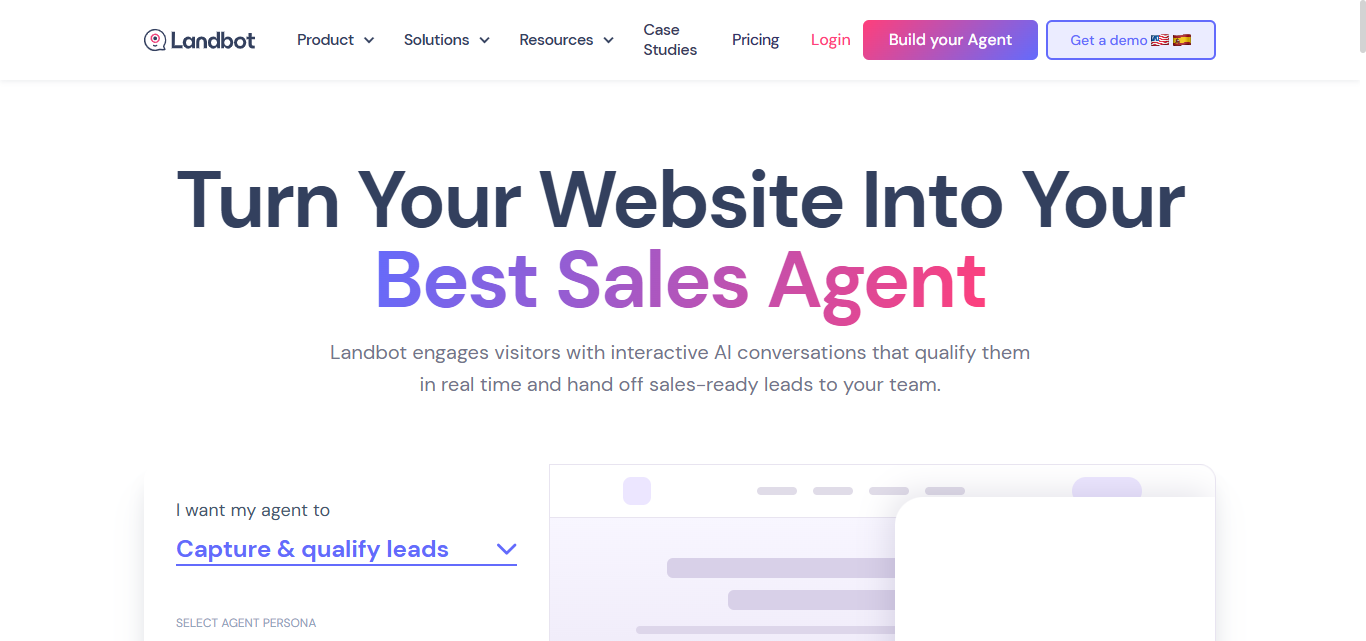
Landbot built its reputation on one genuinely differentiating capability: visual conversation flow design that actually makes sense to a non-technical operator. You can look at a Landbot flow and understand exactly what the customer experiences at every step. Change it without a developer. Test it, see the logic, iterate on your own timeline. That's rarer than it sounds.
AI Resolution Quality — 3/5
Open-ended, unstructured WhatsApp queries without a designed path degrade the experience faster than platforms with stronger underlying resolution AI. The AI Bricks feature adds GPT-powered responses at specific flow nodes — meaningfully raising the ceiling at designed decision points. It does not make Landbot a general-purpose resolution AI for the full range of messy, real-world WhatsApp messages.
Native Media Handling — 3.5/5
Images, documents, and file attachments work as expected. Voice notes are a different story — Landbot has no native block for receiving audio and no transcription capability. It can route the conversation, but it cannot read or process what was said. For teams where voice notes are a common inbound format, this isn't a minor caveat.
Setup Speed and Operator UX — 4.5/5
The visual drag-and-drop flow builder is the most accessible conversation design interface in this comparison. A support manager can design, test, and launch a WhatsApp bot without engineering involvement, see the full logic in a visual map, and modify it independently. The learning curve hits at advanced flow complexity — not at the start.
Automation Depth and Integrations — 3.5/5
Native connectors with HubSpot, Salesforce, and Zapier enable conversations that take real actions: updating records, routing leads, triggering workflows. Worth flagging: Stripe and Calendly are not compatible with WhatsApp specifically, so payment processing and booking require workarounds on that channel. The deeper limitation is that the logic of when to trigger actions lives entirely in the flow design — the bot executes what you built, it doesn't infer what needs to happen from a messy inbound message the way an autonomous AI would.
Pricing: WhatsApp requires a dedicated plan starting at $233/month (2,500 chats, 500 AI chats). Standard web plans starting at $46/month do not include WhatsApp. Meta conversation charges apply separately.
Key features:
- Best-in-class no-code visual flow builder
- WhatsApp-native interactive elements: buttons, lists, carousels
- AI Bricks for GPT-powered responses at structured decision points
- Native HubSpot, Salesforce, and Zapier connectors
- Pre-built WhatsApp templates for support and lead capture
Overall WhatsApp AI score: 3.7/5
The right choice for non-technical teams running sophisticated WhatsApp automation on structured, predictable conversation scenarios — just go in knowing the WhatsApp plan starts at $233/month, separate from web pricing.
6. Freshchat
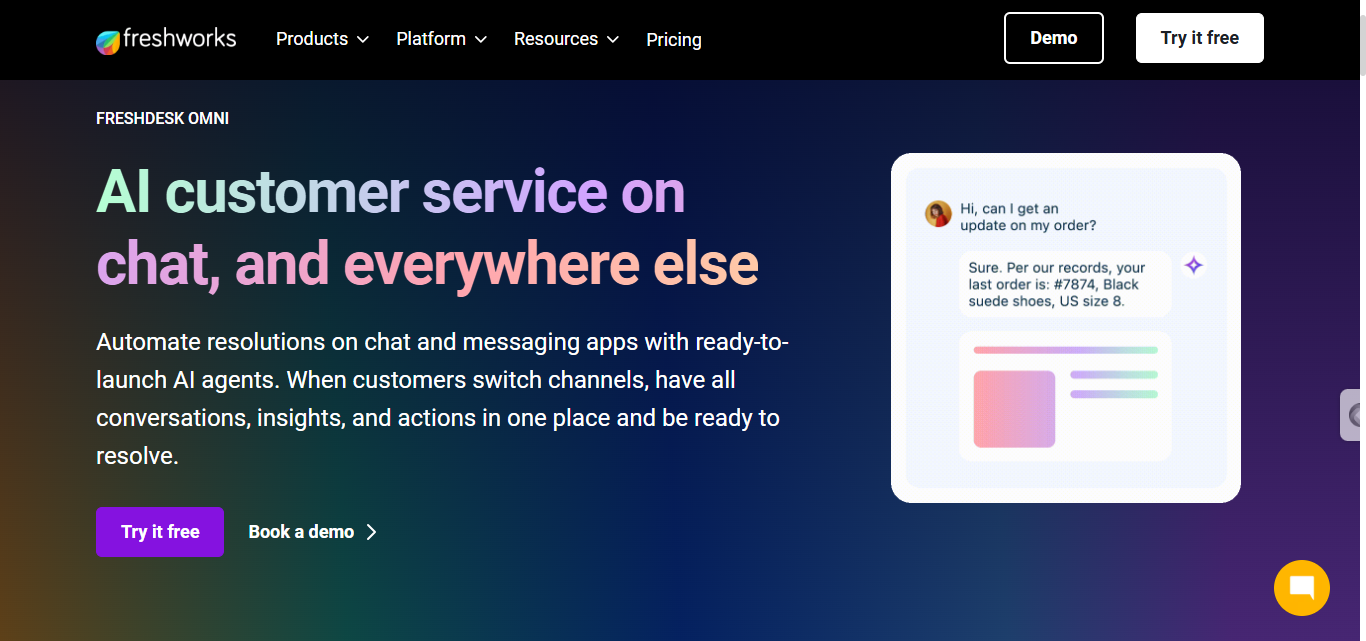
Freshchat's Freddy AI runs on WhatsApp as part of the broader Freshworks stack; a solid option for mid-market teams that want reliable WhatsApp coverage without enterprise-level implementation complexity or per-resolution pricing. Competent, rarely embarrassing, but not best-in-class.
AI Resolution Quality — 3.5/5
Freddy handles structured, repeatable query types reliably. The ceiling shows on complex or multi-intent messages — the kind customers actually send on WhatsApp. Rambling voice note? Three-message stream of consciousness? Resolution quality drops relative to top-tier competitors and escalations to humans happen more than the marketing suggests.
Native Media Handling — 3.5/5
Images and file attachments work. The meaningful gap is voice note transcription — Freddy doesn't natively transcribe or intelligently respond to incoming WhatsApp audio. In markets where voice notes are the norm, that creates a direct two-tier experience: customers who type get the AI, customers who speak get a worse one.
Setup Speed and Operator UX — 4/5
Genuinely easy to deploy. A functional WhatsApp setup is achievable within days, and standard routing requires no code. Complexity creeps in on advanced multi-condition routing and deep external integrations, which will need technical involvement.
Automation Depth and Integrations — 3.5/5
The strongest story here is Freshworks ecosystem fit. Freshdesk and Freshsales connect cleanly — great if you're already in that stack. But the autonomous action ceiling on WhatsApp is lower than Respond.io, Crisp, or Gupshup. Teams needing Freddy to execute complex lookups and trigger multi-step workflows mid-conversation will hit that ceiling sooner than expected.
Pricing: Growth at $19/agent/month includes WhatsApp and 500 free Freddy AI sessions. Additional sessions run $100 per 1,000. Freddy AI Copilot (agent-assist) is a separate $29/agent/month add-on, not included in any standard plan.
Key features:
- Freddy AI across WhatsApp from the Growth plan
- Omniroute for intelligent ticket assignment
- Strong SLA management from Freshdesk's ticketing foundation
- Freshworks ecosystem integration
Overall WhatsApp AI score: 3.6/5
The right fit for growing teams needing solid WhatsApp coverage at predictable per-agent cost — especially within the Freshworks ecosystem.
7. ManyChat
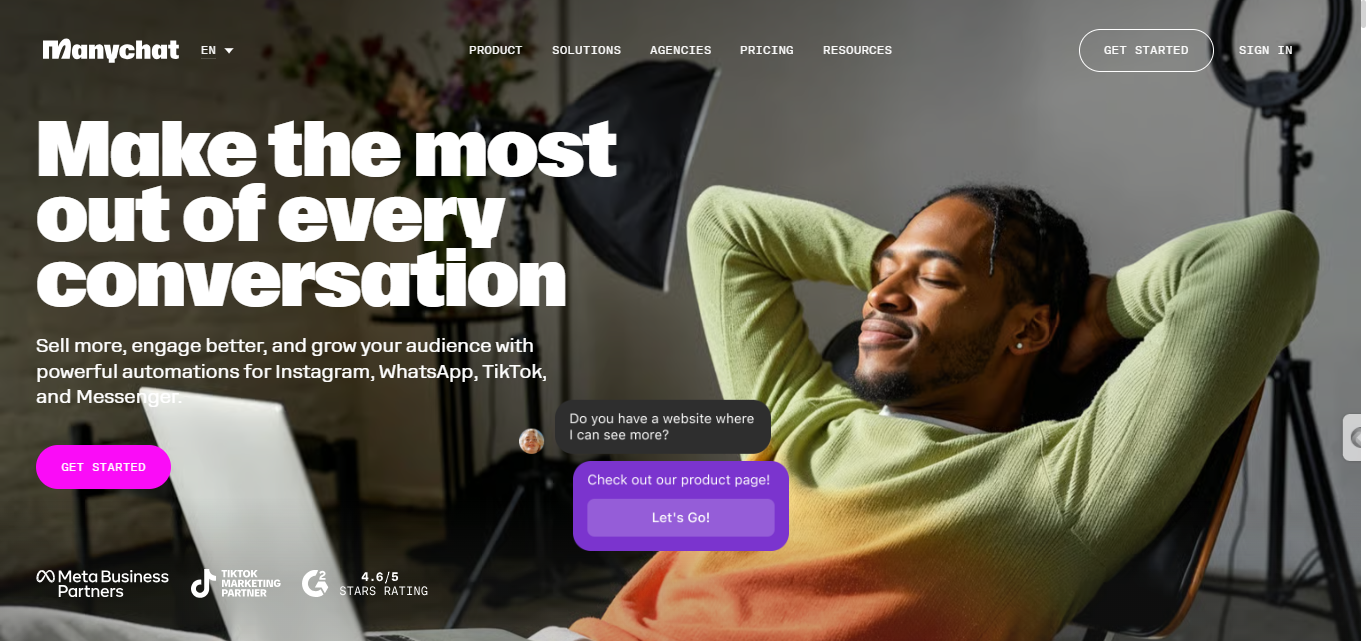
ManyChat's roots are in marketing automation on Instagram and Facebook. Its WhatsApp capability is an extension of that infrastructure — not a ground-up support tool. It's genuinely excellent at what it was built for: campaigns, sequences, lead capture, and broadcast messaging. Support is a secondary use case, and the product experience makes that ordering obvious.
AI Resolution Quality — 3/5
Flow-based automation is the foundation. Basic keyword routing and structured scenarios work reliably. Open-ended, rambling WhatsApp messages hit the ceiling faster than dedicated support tools. ManyChat performs best when conversation structure is designed in advance — not inferred in real time. Multi-part complaints with no clear flow path will reach a human faster than most teams plan for.
Native Media Handling — 3.5/5
Outbound rich media (product images, buttons, carousels) is polished and well-executed, reflecting where ManyChat's investment has gone. Inbound handling is functional for images and files. Voice note transcription and intelligent processing of incoming visual media aren't primary capabilities. The asymmetry is visible: beautiful outbound messages, materially weaker inbound experience.
Setup Speed and Operator UX — 4.5/5
One of the fastest platforms on this list to get live. Pre-built templates, an intuitive visual flow builder, and a marketer-friendly interface mean no technical background required. It starts to feel less optimised when the task shifts to managing high-volume inbound support across multiple agents — because that's simply not what it was built for.
Automation Depth and Integrations — 3.5/5
Broadcast messaging, abandoned cart sequences, and Shopify/WooCommerce integrations are among the best-executed on this list for those specific use cases. The gap is on the support-action side: refund initiation, helpdesk case creation, and complex conditional logic tied to live customer data all require more external tooling than comparable capability in Respond.io or Crisp. Teams using ManyChat as a primary support inbox consistently end up adding a separate helpdesk anyway.
Pricing: Free up to 1,000 contacts. Pro starts at $15/month for 500 contacts, scaling with list size. WhatsApp is Pro-only.
Key features:
- Best-in-class WhatsApp broadcast and campaign automation
- Visual flow builder for non-technical operators
- Native Shopify and e-commerce integration
- Fast deployment with pre-built templates
- Multi-channel consistency across WhatsApp, Instagram, and Messenger
Overall WhatsApp AI score: 3.4/5
The right choice for e-commerce and marketing-led teams using WhatsApp primarily for campaigns and lead capture, with support as a secondary function.
Views from the community
Key trends from user feedback, organized around the four scoring dimensions, reveal the following:
AI Resolution Quality: Intercom Fin draws the most consistent praise for handling complex, multi-part queries accurately, with G2 reviewers noting its non-robotic tone and strong CSAT outcomes on AI-resolved conversations. Crisp's Hugo earns marks for intent-driven resolution on informal, fragmented WhatsApp input. The recurring caveat across both: resolution quality depends heavily on knowledge base setup, and teams that skip training consistently report higher fallback rates (source: G2 reviews, Reddit r/CustomerSuccess).
Native Media Handling: Voice note support is the single most discussed media capability in WhatsApp practitioner communities. Wati earns strong marks for native format breadth — templates, interactive messages, and rich media. Respond.io is recognized for voice note transcription, which operators in Latin American and South Asian markets describe as a baseline requirement rather than a premium feature. Platforms that log audio as "received" and stop there generate the most negative feedback in regional communities (source: Reddit r/CustomerSuccess, Capterra verified reviews).
Setup Speed and Operator UX: ManyChat and Landbot consistently earn the strongest marks for fast, non-technical deployment. Wati earns comparable recognition for guided setup built around WhatsApp-native workflows. The recurring complaint on Freshchat and Respond.io: initial setup speed does not reflect total configuration time once advanced routing and CRM integrations are involved (source: G2 verified reviews, Capterra).
Automation Depth and Integrations: Respond.io generates the most community discussion around outbound automation depth, with operators running sales and support from the same inbox citing its broadcast and segmentation capabilities as the differentiator. ManyChat's automation ceiling on support is a recurring theme — practitioners who tried using it as a primary support inbox consistently describe adding a separate helpdesk, compounding cost and integration complexity at volume (source: Reddit r/ecommerce, G2 reviews).
Micro-quotes from community comments reflect these experiences:
"The context loss was killing us. Customer messages on WhatsApp one day, messages again three days later, and the bot treats it like the first contact ever. That friction was costing us real CSAT points." — G2 reviewer, mid-market e-commerce, on AI resolution continuity.
"Our customers in Brazil send voice notes for everything. Every single complaint, every question, every follow-up — audio. The platforms that just show a little speaker icon and do nothing are basically unusable for us. This should be table stakes in 2026." — Reddit r/CustomerSuccess, on native media handling gaps.
"ManyChat for campaigns, Crisp for support. We tried to consolidate and it did not work. ManyChat is a marketing tool with a chat feature. That is fine if you know that going in." — Reddit r/ecommerce, on automation depth trade-offs.
"Fin on WhatsApp is not quite the same as Fin on web chat. The accuracy gap is real. For our volume the per-resolution cost is still the main thing I model every month before I sleep." — G2 reviewer, on Intercom Fin resolution quality and pricing.
Frequently asked questions
Is WhatsApp Business API GDPR-compliant for customer support in the EU (Spain, Germany, and beyond)?
It depends on the vendor’s infrastructure, not on WhatsApp Business itself. WhatsApp Business API can run through GDPR-compliant setups, but the details that matter are where the vendor stores conversation data, how long they retain it, and whether they’ll sign a Data Processing Agreement. This varies more between vendors than between EU countries. Ask directly and get it in writing before rolling out.
Can multiple agents share one WhatsApp Business number with visibility into who’s responding?
Yes, this is table stakes for any shared team inbox in this comparison, not a differentiator. What varies is how much visibility managers get without digging: whether assignment happens automatically or manually, whether you can see response times per agent, and how easy it is to reassign a conversation mid-thread without losing context. Check this specifically if you’re running WhatsApp support with more than 3-4 agents.
Sources and methodology
Analysis draws on direct production experience with several platforms in live WhatsApp environments, combined with official product documentation, hands-on assessment, and aggregated community feedback from practitioners operating WhatsApp support at scale.
Primary sources include official product documentation as of March 2026, G2 verified reviews, Capterra verified reviews, and Reddit discussions in r/SaaS, r/CustomerSuccess, and r/ecommerce.
Infobip / Statista, "WhatsApp statistics 2025 — over 3 billion monthly active users worldwide, 7 billion voice messages sent daily", https://www.infobip.com/blog/whatsapp-statistics
Aurora Inbox, "WhatsApp Customer Service Statistics 2025 — AI chatbots reduce first response time by 95%, advanced AI resolves 55–70% of queries without human agents", https://www.aurorainbox.com/en/2026/03/02/whatsapp-customer-service-statistics/
Crisp website: Product features, Hugo AI agent capabilities, workflow builder, omnichannel integrations, and workspace pricing model.
Intercom Fin documentation: AI resolution quality, Procedures framework, human-approval checkpoints, and per-resolution pricing model.
Respond.io documentation: Contact-centric data model, AI Copilot, voice agent capabilities, outbound broadcast automation, and CRM integration depth.
Wati documentation: Native WhatsApp feature set, template management, voice note transcription, Shopify integration, and per-message markup pricing.
Landbot documentation: Visual flow builder, AI Bricks configuration, WhatsApp-specific plan pricing, and integration compatibility.
Freshchat documentation: Freddy AI capabilities, session-based pricing, Freshworks ecosystem integrations, and omnichannel routing.
ManyChat documentation: Flow-based automation, broadcast and campaign capabilities, e-commerce integrations, and support ceiling limitations.
All pricing reflects publicly available information as of March 2026. Meta's WhatsApp Business Platform conversation charges apply separately for all platforms and are not included in published plan pricing. Verify current pricing directly with each vendor before purchase.

September 2026 - Product Update
Discover the new Knowledge Base editor, benchmark your AI support performance, track how often Hugo escalates conversations, and more. Discover the latest features and improvements released by the Crisp team in September 2026.


Summer 2026 - Product Update
Meet the refreshed Crisp experience, Understand how Artificial Intelligence handles every conversation, Build reusable teams across your workspace, and more. Discover the latest features and improvements released by the Crisp team in Summer 2026.

Best 9 helpdesk software and ticketing systems for 2026
Need help to choose your next helpdesk with a ticketing tool for 2026? We've gathered a guide that gives you everything you need to convince your C-levels.