Best AI Chatbot Platform for Reducing Ticket Backlogs in 2026
Want to get ahead of competition and choose the best AI Chatbot to reduce support backlogs? Here are our 6 top picks for 2026.


Customer support has a funny habit of turning into a treadmill.
The business grows… customers pour in… and right behind them comes the flood of support tickets. Faster than your team can close them. Response times stretch from minutes to hours… sometimes days. Customers get impatient. Your team gets fried. And eventually, someone asks the inevitable question: how do we actually get ahead of this?
The first instinct is predictable: hire more agents. That helps for a minute. But it doesn’t really solve the problem.
The teams that stay sane do something different. They use AI-powered chatbots to absorb the repetitive, predictable questions that bury support teams every single day.
But here’s the catch… not all AI chatbots actually reduce backlog. Some just create a different kind of mess. The ones that work are built to resolve problems, not just throw customers at help articles and hope they figure it out.
This guide breaks down the platforms that genuinely clear support backlogs in 2026. The kinda ones that take pressure off your team without turning customer support into a robotic nightmare.
Why should you trust this guide?
A lot of “software guides” are basically product roundups written by someone who skimmed a few landing pages.
This isn’t that.
I’ve spent years inside these systems… not watching demos or reading feature lists, but using them to solve real support problems.
I’ve tested Intercom Fin on teams handling thousands of conversations a day. Seen Zendesk Answer Bot do a great job on certain requests… and completely fumble others. Watched Chatbase deflect tickets impressively fast, then struggle when conversations get more complex.
And beyond the well-known tools, I’ve built workflows inside platforms most people have never even heard of.
What actually causes the ticket backlog to grow?
Most support backlogs show up because teams spend the entire day answering the same handful of questions on repeat. Where’s my order? How do I reset my password? Can I change my billing address? When does my subscription renew?
… the same loop, over and over.
Every ticket triggers the same sequence: read the message… pull up the account… type the response… wait for the follow-up if the customer didn’t fully understand the first answer. Each step eats time.
Now multiply that by hundreds or thousands of tickets.
While all that’s happening, the actually difficult issues, the ones that need human judgment, investigation, or creativity, sit in the queue waiting their turn. Not because they’re impossible to solve… but because your team is buried under requests a computer could resolve in seconds.
That’s the origin of backlog problems. It’s not necessarily difficult. It’s volume combined with boredom.
How AI chatbots actually reduce backlog
AI chatbots reduce backlog through something support teams call deflection… but not the lazy kind where a bot throws a help article at you and disappears.
The real magic is resolving the issue before it ever becomes a ticket.
Here’s what that looks like in practice.
At a company like MoneyWalkie, a leading Fintech, A customer asks: “how can I upgrade to higher plan?”
The AI connects to its billing system, pulls the subscription data, checks the identity, and replies:
“You just have to confirm the plan you want to get to and I'll modify your subscription”
Fifteen seconds. Problem solved. No ticket created… no backlog growing quietly in the background.
Now imagine that happening hundreds of times a day.
At a company like AFS, a leading online store for wingfoils, a B2B customer asks:" How can I get my invoices?"
The AI connect to the ERP, pulls the invoices related to the retailer, check the identity and replies:
"Here are the invoices for 2026"
Fifteen seconds. Problem solved. No ticket created… no backlog growing quietly in the background.
Now imagine that happening hundreds of times a day.
But it's not just about answering simple questions. Truly capable AI support chatbots also deflect tickets by taking action. They look up orders, process refunds, update accounts, reset passwords, and trigger workflows. All the boring but necessary support activities your team does on an average Tuesday afternoon.
Best AI Chatbot platforms for cutting ticket backlog
Now that we’ve established how powerful AI chatbots can be for ticket deflection, let’s talk about the platforms that can actually help you do this.
The ones that genuinely move the needle on ticket deflection. The tools built to resolve issues, automate repetitive tasks, and take real pressure off your support team.
1. Crisp
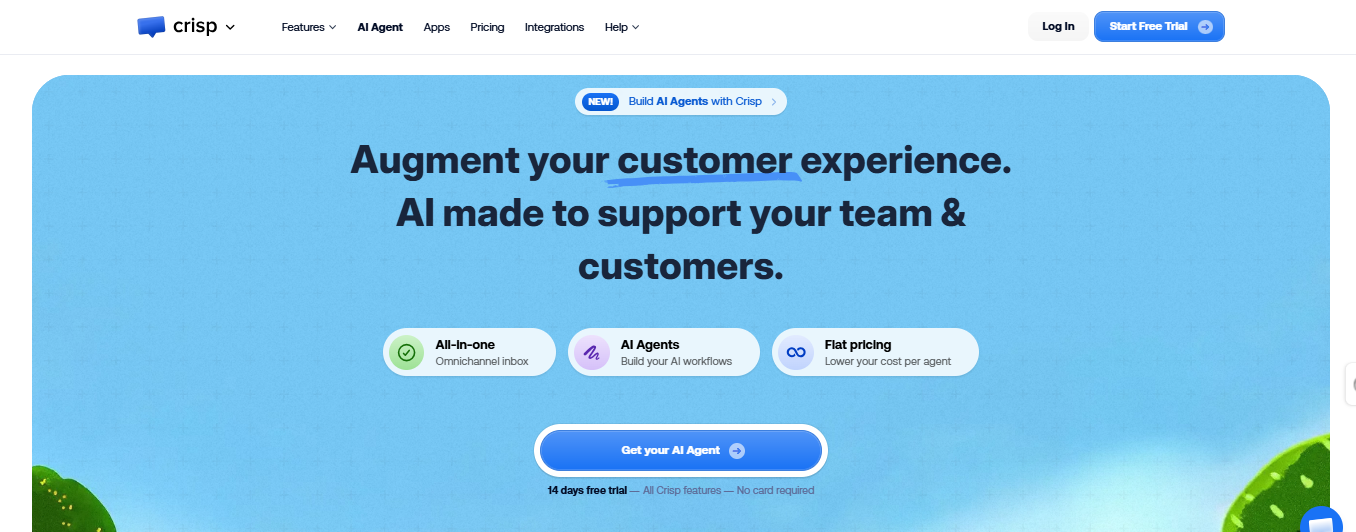
Crisp is one of the strongest contenders when it comes to ticket deflection in customer support. It stands out because it handles both sides of deflection extremely well: accurately answering customer questions and taking real actions to resolve problems.
Answering questions already removes a large chunk of incoming tickets. But when the AI can actually perform tasks and resolve the issue on the spot, ticket volume drops even further. Crisp is built to do both.
Response correctness — 9/10
Crisp is very strong at understanding intent and delivering reliable answers. A big reason for that is Hugo, Crisp’s fully automated AI agent built specifically for customer conversations.
Unlike many bots that were added later to traditional support tools, Hugo was designed as an AI-native system from the ground up. That foundation makes it particularly effective at answering questions accurately and naturally. The high response quality keeps many conversations from escalating to human agents in the first place.
Ability to take actions — 9/10
Crisp also has one of the largest integration ecosystems in the support automation space. Because it connects with a wide range of tools, the AI can trigger actions across your stack instead of just giving instructions.
For example, it can work with platforms like Make, Pipedrive, Zapier, Telegram, Twitter, Slack, and other business tools through integrations and APIs. That means the AI can retrieve data, trigger workflows, and resolve requests directly — significantly increasing ticket deflection.
Channel coverage — 9/10
Crisp supports website chat, email, WhatsApp, Telegram, Instagram, Messenger, Line, Viber, and SMS, allowing the AI to intercept and resolve issues across nearly every major communication channel.
Automation and routing — 9/10
The no-code workflow builder makes it easy to automate support journeys based on customer intent. When needed, conversations can be routed to human agents with full context.
Pricing
Crisp offers a free plan, with paid tiers starting around $45 per workspace per month.
Key features for ticket deflection
- AI-native agent (Hugo) built for accurate support responses
- Large integration ecosystem for triggering actions
- Multi-channel AI support across messaging platforms
- Intent recognition and automated routing
- Seamless human handoff
Overall ticket deflection score: 9/10
2. Intercom Fin
Intercom Fin is another great option for ticket deflection, particularly for companies already running their support stack inside Intercom. It excels at answering customer questions with very high accuracy, which is one of the most effective ways to prevent tickets from reaching human agents.
Where Fin shines most is response quality. It is designed to understand context from your knowledge base and help docs, then generate responses that feel genuinely helpful instead of robotic. That level of accuracy keeps a large number of simple support questions inside the chatbot layer.
Response Correctness — 9/10
Fin is very strong at understanding context and generating helpful answers. When trained on a well-structured knowledge base, it delivers responses that feel natural and reliable. That accuracy is the core reason many enterprise teams trust Fin to handle frontline support conversations.
Ability to Take Actions — 8/10
Earlier versions of Fin were limited to answering questions and basic routing. That is no longer the case. Fin 3 introduced Procedures — AI-driven, multi-step processes where Fin follows natural language instructions to take secure actions in connected systems. It can retrieve and update customer data, handle account changes, and execute complex resolution workflows from start to finish. Teams can also add human-approval checkpoints for sensitive steps, giving control without sacrificing automation depth.
Channel Coverage — 9/10
Fin operates across a wide range of channels within the Intercom ecosystem, including website chat, in-app messaging, email, WhatsApp, Instagram, Facebook, and SMS. Channel coverage is broad and continues to expand, with Fin Voice (phone) available in limited release.
Automation and Routing — 8/10
Fin performs well on smart routing and handoffs. It preserves conversation context and escalates issues to human agents smoothly when the AI reaches its limits. Fin 3 also introduced Simulations — an automated testing suite that lets teams validate Fin's behaviour across complex conversation paths before going live.
Pricing
Fin is priced on a per-resolution model at $0.99 per successfully resolved conversation — meaning you only pay when Fin actually resolves an issue, not for every interaction it touches.
Key Features for Ticket Deflection
- High-accuracy AI trained on your help docs
- Context-aware responses that reduce escalation
- Procedures: end-to-end agentic workflows for complex resolution scenarios
- Seamless human handoffs with configurable approval checkpoints
- Strong conversation history and context tracking
- Broad channel coverage: chat, email, WhatsApp, Instagram, Facebook, SMS
- Standalone deployment option — no full Intercom migration required
- Simulations testing suite for pre-deployment validation
Overall Ticket Deflection Score
8/10 — A mature, enterprise-grade AI agent that has moved well beyond basic Q&A into genuine agentic automation. The per-resolution pricing model rewards effective deployment, and the standalone option removes a major barrier to adoption.
3. Zendesk AI Agents
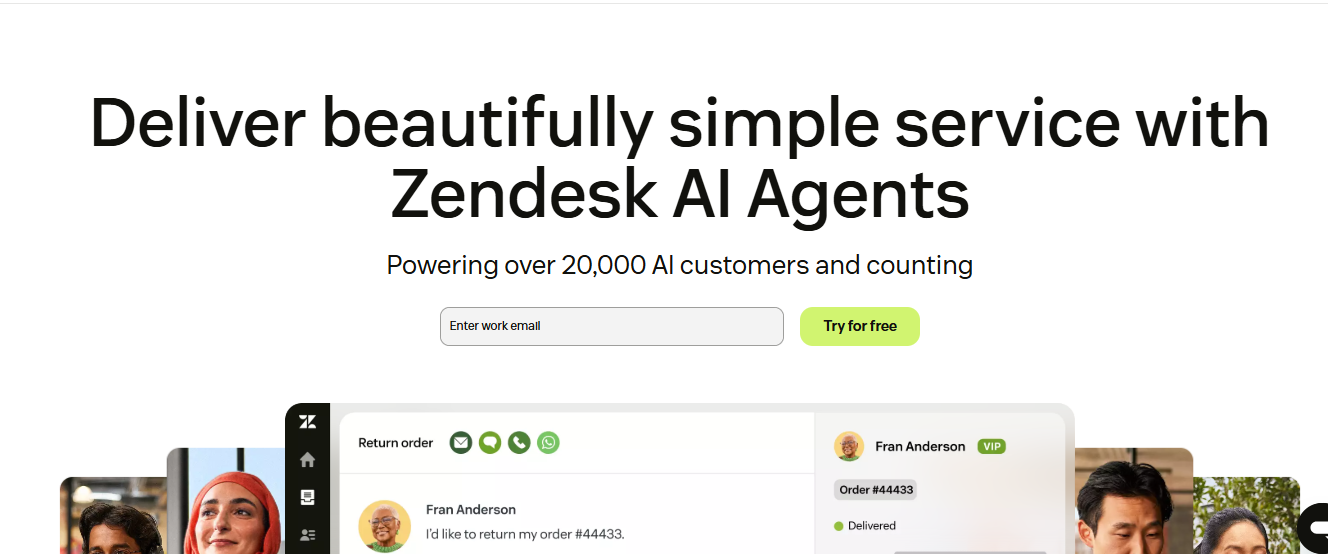
Zendesk is a solid, established option for ticket deflection — particularly for teams already running their support stack inside Zendesk. The platform has evolved significantly from its ticketing-first roots, and its AI capabilities are now genuinely competitive, especially at the advanced tier.
Response Correctness — 7/10
Zendesk AI Agents deliver solid answer quality when trained on a well-maintained help center. The generative reply capability draws from your knowledge base to produce descriptive, contextual responses rather than just suggesting articles. Performance at the Advanced tier is meaningfully stronger, with intent detection helping the system understand what a customer actually needs before formulating a response.
Ability to Take Actions — 7/10
The Advanced tier unlocks meaningful automation depth. AI Agents can retrieve and update customer data, trigger backend workflows, and handle multi-step processes through integration with external systems. Intelligent Triage automatically classifies tickets by intent, language, and sentiment, routing them to the right team without manual intervention. The action capability is real, though it requires more configuration effort than platforms where agentic workflows are a first-class feature.
Channel Coverage — 8/10
Zendesk AI Agents operate across email, chat, messaging, voice, and social channels. Coverage is broad and benefits from Zendesk's long history of multi-channel support infrastructure. Voice AI Agents handle calls end-to-end, assisting with authentication and order lookups. Channel breadth is a genuine strength here.
Automation and Routing — 8/10
Intelligent Triage is one of the stronger routing tools in the market — scanning tickets for intent, language, and customer sentiment to ensure they land with the right team immediately. Handoffs from AI to human agents preserve conversation context cleanly. The BotQA reporting dashboard gives teams strong visibility into escalation rates, deflection rates, and where the AI is falling short, enabling continuous improvement.
Pricing
Zendesk AI is tiered. Basic AI agent capability is included across Suite plans. The Advanced AI add-on runs $50 per agent per month on top of Suite Professional ($115 per agent per month), and the best automation features — intelligent triage, advanced analytics, sophisticated workflow execution — live behind that add-on.
Key Features for Ticket Deflection
- Generative AI responses drawn from your help center
- Intelligent Triage: automatic intent, language, and sentiment detection
- Voice AI Agents for end-to-end phone call handling
- BotQA dashboard for deflection rate, escalation rate, and sentiment monitoring
- Broad channel coverage: email, chat, messaging, voice, WhatsApp, social
- Massive app marketplace — integrations for almost any tool
Overall Ticket Deflection Score: 7/10
4. Chatbase
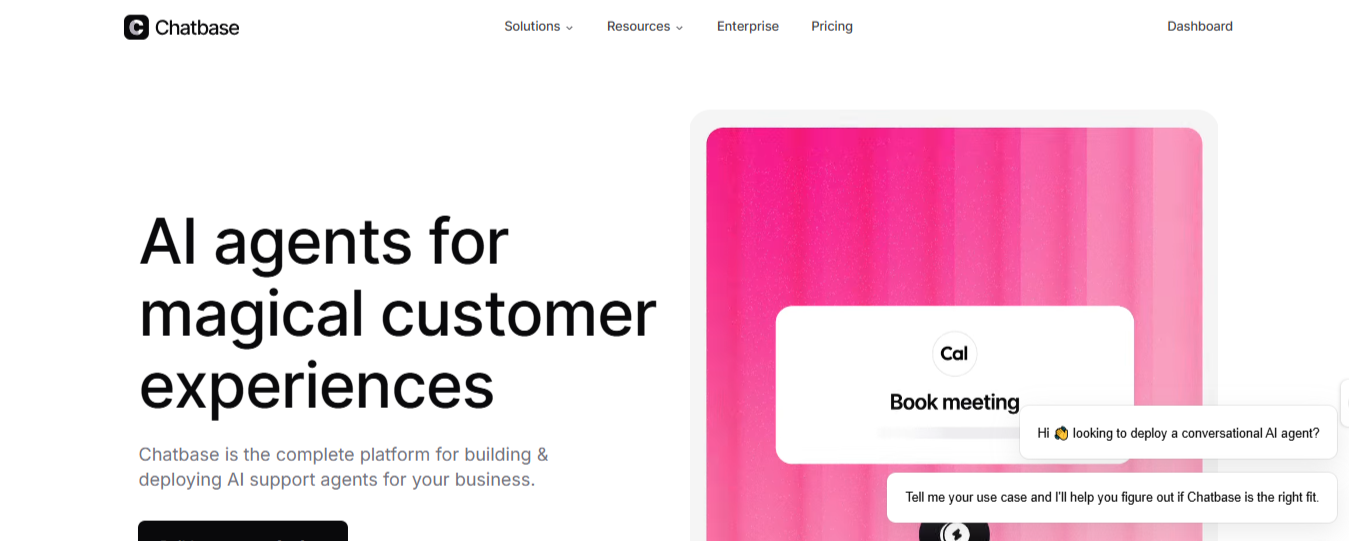
Chatbase is a solid option for small to mid-sized teams that want fast deployment without building complex systems. It started as a train-a-chatbot-on-your-docs tool and remains exactly that at its core — which is both its strength and its ceiling.
Response Correctness — 8/10
Chatbase performs well when trained on clean documentation. It uses retrieval-augmented generation to surface relevant answers quickly, and the Suggestions feature actively flags gaps in your knowledge base. Reliable for routine Q&A.
Ability to Take Actions — 6/10
AI Actions exist but are limited in depth and capped by plan — 5 actions on Hobby, up to 15 on Pro. Pre-built integrations cover Calendly, Stripe, and Slack, but complex workflows require Zapier or Make, splitting your automation across additional tools. There is also no visual flow builder, which means you cannot define multi-step conversation paths or set precise escalation rules. The AI decides where conversations go, which is a real constraint for support teams that need control.
Channel Coverage — 7/10
Chatbase deploys across website chat, WhatsApp, Facebook Messenger, Instagram, Slack, and email. Solid breadth for a tool at this price point, though it lacks Telegram and has no proactive messaging capability.
Automation and Routing — 6/10
Straightforward queries are handled well. Human handoffs are the weak point — there is no agent presence tracking, conversation context is not fully preserved on escalation, and AI-human collaboration within the same thread is not supported.
Pricing
Plans start at $40/month (Hobby) up to $500/month (Pro). Pricing is based on message credits, which can make costs unpredictable at volume. More accessible than enterprise alternatives, but the per-model credit system requires careful monitoring.
Key Features for Ticket Deflection
- Knowledge-base trained responses with automatic gap detection
- AI Actions for lightweight task automation (Calendly, Stripe, Slack)
- Multi-channel: website, WhatsApp, Messenger, Instagram, Slack, email
- No-code setup, can be live in under an hour
- Zapier and Make support for extended workflow coverage
Overall Ticket Deflection Score
6/10 — A fast, accessible entry point for teams starting with AI support automation. Strong at Q&A deflection, but limited workflow depth, capped AI Actions, and weak handoff mechanics mean it hits a ceiling quickly as support complexity grows.
5. Ada
Ada is a major contender for enterprise-grade ticket deflection, built specifically for organizations handling extremely high support volumes. Unlike many chatbot tools designed for startups or mid-sized teams, Ada was created for large enterprises managing millions of customer conversations across global markets.
Because of that focus, the platform is capable of achieving very high deflection rates when implemented correctly, often reaching 40–50% in large-scale deployments.
Response correctness — 8/10
Ada performs well at understanding customer intent and retrieving accurate answers from large knowledge bases. Its AI is trained to manage complex enterprise documentation and maintain consistent response quality across huge volumes of conversations.
Ability to take actions — 9/10
One of Ada’s biggest strengths is its ability to connect with enterprise systems and trigger actions across them. The platform integrates with a wide range of internal tools and databases, allowing the AI to retrieve data, update systems, and resolve support requests directly without human involvement.
Channel coverage — 9/10
Ada supports nearly every major customer communication channel, including chat, email, SMS, WhatsApp, and voice. This broad coverage allows companies to deploy automation consistently across global support operations.
Automation and routing — 8/10
Ada includes advanced workflow logic designed for large, complex support environments. It can orchestrate multi-step workflows and route conversations intelligently between systems and human agents when necessary.
Pricing
Ada does not publicly disclose pricing. However, most deployments operate on large enterprise contracts that can reach six figures annually, depending on conversation volume and implementation scope.
Key features for ticket deflection
- Enterprise-scale AI support automation
- Advanced workflow logic and orchestration
- Integrations with complex enterprise systems
- Multi-channel support, including voice and messaging
- Intelligent routing and human handoff
Overall ticket deflection score
8/10. Ada is extremely powerful for large organizations managing global support operations, but its cost and implementation complexity make it impractical for most small and mid-sized teams.
6. Lyro by Tidio
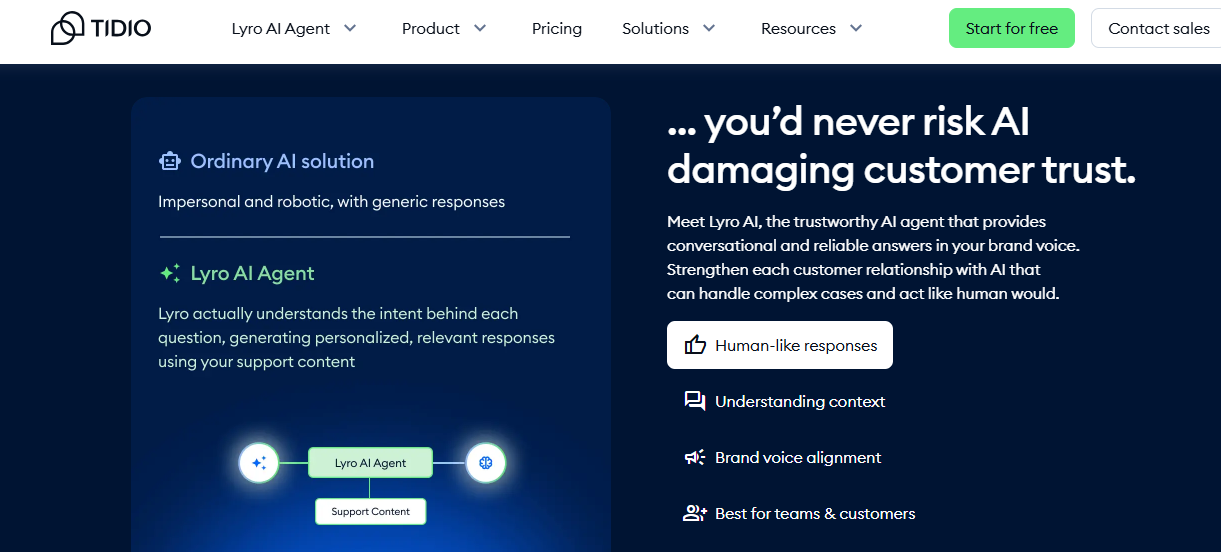
Lyro is the friendly, approachable AI chatbot you deploy when you want something working fast without drowning in configuration. It's built specifically for small teams, solo founders, and early-stage businesses that need their support inbox to stop burning.
Fast to deploy, focused on deflecting repetitive questions, and more capable than its lightweight reputation implies.
Response Correctness — 7/10
Powered by Claude (Anthropic), Lyro stays grounded in the knowledge you provide and won't hallucinate outside it. The limitation: it cannot learn from past support tickets, so gaps in your knowledge base become gaps in its answers.
Ability to Take Actions — 6/10
More capable than often credited. Lyro Actions connect to external systems via API — checking Shopify order statuses, booking demos through Calendly, creating CRM leads. Not a deep workflow platform, but not purely informational either.
Channel Coverage — 8/10
Deploys across website live chat, email, WhatsApp, Messenger, and Instagram — all managed from a single Tidio inbox. No voice, no proactive outbound messaging, but inbound breadth is strong for the price.
Automation and Routing — 6/10
Escalation and handoff rules are configurable but not sophisticated. Tidio's separate Flows builder handles rule-based sequences. The two work together, but complex orchestration hits a ceiling quickly.
Pricing
Plans start at $29/month with 50 conversations included; additional at $0.50 each. Tidio backs Lyro with a money-back guarantee if resolution rates don't reach 50% — an unusually confident commitment.
Key Features for Ticket Deflection
- 67% average resolution rate with a 50% minimum money-back guarantee
- Powered by Claude — on-script, no hallucinations
- Multi-channel: website, WhatsApp, Messenger, Instagram, email
- Lyro Actions for API-connected tasks (Shopify, Calendly, CRMs)
- 45+ language support
- Live from a knowledge base in under an hour
Overall Ticket Deflection Score
7/10 — Punches above its weight on channel coverage and deflection benchmarks. Best for SMBs and e-commerce teams. The knowledge base constraint and limited workflow depth are real ceilings — but for teams whose support complexity matches Lyro's scope, it delivers reliable results at a fair price.
What actually matters when choosing
After comparing these platforms, the pattern is consistent: the best fit is the one that matches your team's current scale, budget, and complexity tolerance — not the most feature-rich platform on paper.
Deflection rate
This is the metric that determines whether an AI chatbot actually reduces workload or just adds noise. It measures the share of conversations resolved by AI without any human intervention — not conversations the bot "handled" by closing threads, but ones where the customer genuinely didn't need a human.
Industry benchmarks put basic rule-based bots at 20–40%. Well-configured generative AI platforms sit at 60–83%. The gap compounds fast at volume, the difference between a 40% and 70% deflection rate on 10,000 monthly conversations is 3,000 fewer tickets for your team.
Total cost of ownership
The price on the landing page is rarely the number you actually pay. Pricing models differ significantly across these platforms — and the gaps matter more as volume grows.
Flat workspace pricing — Crisp ($45–$295/mo, average AI resolution cost 0.10$)
Crisp prices per workspace, not per agent. AI features (Hugo) require the Mini plan at $45/month minimum with 5$ of AI Credits. The Plus plan at $295/month adds 75$ worth of AI Credits and a full ticketing system. Predictable billing, no per-conversation surprises.
Per-resolution pricing — Intercom Fin ($0.99) and Ada ($1–$3.50)
You only pay when the AI successfully resolves a conversation — outcome-aligned and cost-effective at low volumes. At scale, costs accelerate: 10,000 Fin resolutions/month costs $9,900 on top of platform fees. Ada's range reflects deployment complexity; enterprise contracts can reach six figures annually.
Per-agent pricing — Zendesk ($165+/agent/mo)
The Advanced AI add-on ($50/agent/mo) sits on top of Suite Professional ($115/agent/mo). A 10-agent team pays roughly $19,800/year before any usage fees. Scales with headcount rather than automation volume, which penalises teams trying to reduce per-agent workload.
Credit and conversation-based — Chatbase ($40–$500/mo) and Lyro ($29/mo+)
Chatbase uses message credits — GPT-4 responses cost 20 credits, Gemini costs 1. Model choice has a direct and non-obvious impact on monthly spend. Lyro charges $0.50 per conversation above plan limits. At 5,000 conversations/month, that's $2,500 in usage fees alone, a meaningful jump from the $29 base price.
Views from the community
Crisp, Intercom Fin, Zendesk AI Agents, Chatbase, and Lyro by Tidio are some of the most frequently discussed AI chatbot platforms for ticket deflection in support communities.
Key trends from user feedback highlight:
Omnichannel Automation & Routing: Crisp is praised for pulling conversations from WhatsApp, Instagram, email, Telegram, and live chat into a single inbox, with no-code workflows that route tickets accurately and hand off to humans with full context preserved. Users highlight Crisp's intent recognition as a key reason routine tickets stop reaching human agents altogether
(source: G2 user reviews; Capterra verified reviews; Reddit r/SaaS and r/CustomerSuccess discussions).
Response Quality & Deflection at Scale: Intercom Fin consistently ranks as the #1 AI Agent on G2, with users reporting multi-turn conversation accuracy and autonomous resolution of complex account queries — one verified reviewer citing $60k in human salary saved within a single quarter. Some reviewers on Reddit and Trustpilot caution that per-resolution billing becomes unpredictable during high-volume periods, and that multilingual support outside English is not yet production-ready
(source: G2 verified reviews; Trustpilot; Reddit practitioner discussions).
Enterprise Triage & Ticket Sorting: Zendesk AI Agents draw consistent G2 and Capterra praise for Intelligent Triage, which pre-sorts tickets by intent, language, and sentiment before a human touches them. Criticism centers on total cost of ownership — the Advanced AI add-on stacks on top of per-agent pricing — and a widely reported knowledge base latency issue where article updates take a week or more to reflect in AI responses
(source: G2 user reviews; Capterra verified reviews).
Speed of Deployment: Chatbase is praised for getting a working chatbot live in under an hour with no technical background required. However, G2 and Product Hunt reviewers consistently flag hallucinated answers outside of trained documentation as a barrier to customer-facing trust, and the absence of a visual flow builder means escalation logic defaults entirely to the AI — a control problem for support teams that need precision
(source: G2 user reviews; Product Hunt reviews; Capterra).
SMB-Friendly Automation: Lyro by Tidio earns high marks on G2 (4.6/5, 600+ reviews) and Capterra (4.7/5, 470+ reviews) for fast setup, strong Shopify integration, and a 67% average resolution rate. Scaling teams surface two consistent ceilings: Lyro cannot learn from historical support tickets — only from explicitly written knowledge base content — and daily conversation caps create service inconsistency during peak periods
(source: G2 user reviews; Capterra verified reviews).
Micro-quotes from community comments reflect these experiences:
"I love the simplicity and efficiency of Crisp. The AI feature, Hugo, is particularly impressive, providing excellent quality responses and allowing time-consuming tasks to be delegated to the AI." — G2 reviewer, Small business owner, on workflow automation depth.
"Fin had saved us the equivalent of $60k in human salary by end of September 2025. It resolves enough inquiries each month to offset hiring another human agent." — G2 verified reviewer, on Intercom Fin deflection impact.
"Works great for simple questions, but anything complex and it falls apart. No way to build proper conversation flows." — G2 reviewer, on Chatbase workflow limitations.
"The Lyro AI integration is a real game-changer — it automatically resolves up to 70% of customer queries, helping small teams offer 24/7 support without increasing headcount." — G2 reviewer, on Lyro resolution rates.
"We push out new articles and it takes a week or more before the AI seems to fully incorporate them into answer suggestions." — G2 reviewer, on Zendesk knowledge base latency.
Sources and methodology
Our analysis combines public benchmarks, verified user feedback, and direct hands-on experience building and running automated customer support workflows across the platforms covered in this guide.
Key sources include:
Hands-on testing (3+ years): Direct use of Crisp, Intercom Fin, Zendesk AI Agents, Chatbase, and Lyro by Tidio in production support environments across SMB and mid-market deployments.
Crisp website: Product features, Hugo AI capabilities, integration ecosystem, and pricing structure.
Intercom Fin documentation: Fin 3 capability specifications, Procedures and Simulations features, per-resolution pricing model, and published deflection averages.
Zendesk resource library: Advanced AI add-on features, Intelligent Triage documentation, BotQA reporting, and tiered pricing breakdown.
Chatbase website & documentation: AI Actions, credit-based pricing model, deployment channels, and integration limitations.
G2 reviews: Aggregated verified user feedback across all platforms, with emphasis on deflection outcomes, response accuracy, and workflow automation depth. Review volumes: Zendesk (5,900+), Intercom (1,100+), Tidio (600+), Crisp (330+), Chatbase (60+).
Capterra reviews: Additional verified user perspectives on setup effort, pricing transparency, and reliability under production load. Review volumes: Zendesk (3,400+), Tidio (470+), Crisp (146+).
Reddit discussions: Practitioner-led conversations in r/SaaS, r/ecommerce, and r/CustomerSuccess, focused on real automation outcomes, pricing surprises, and escalation behavior in live deployments.
Product Hunt & Trustpilot: Supplementary community feedback, particularly relevant for surfacing billing transparency issues and hallucination complaints not always visible in gated review platforms.
All pricing figures reflect publicly available information as of March 2026 and should be verified directly with each vendor before purchase. Each platform was scored across four equally weighted dimensions — Response Correctness (25%), Ability to Take Actions (25%), Channel Coverage (25%), and Automation & Routing (25%) — each rated out of 10, producing the composite ticket deflection score shown in the comparison table above.
Ready to cut your backlog?
See how Crisp reduces ticket volume without adding complexity.

September 2026 - Product Update
Discover the new Knowledge Base editor, benchmark your AI support performance, track how often Hugo escalates conversations, and more. Discover the latest features and improvements released by the Crisp team in September 2026.


Summer 2026 - Product Update
Meet the refreshed Crisp experience, Understand how Artificial Intelligence handles every conversation, Build reusable teams across your workspace, and more. Discover the latest features and improvements released by the Crisp team in Summer 2026.

Best 9 helpdesk software and ticketing systems for 2026
Need help to choose your next helpdesk with a ticketing tool for 2026? We've gathered a guide that gives you everything you need to convince your C-levels.