Best AI Agents for Automating Support Tasks (2026 Edition)
Looking for your next best AI Agent for customer support? We've gathered the ultimate list for 2026.


For a huge chunk of online businesses, most of their customers now go through an AI layer before they ever talk to a human. They type into a chatbot, use an AI search bar, or expect a quick answer the moment your site loads. That shift has quietly rewritten how customer support works.
Teams across every industry are feeling it. Not in a dramatic way; just in the daily rhythm of support. Shorter attention spans. Higher expectations. Fewer people are willing to wait for a human when they believe an AI should handle the basics instantly.
And because of that, AI agents have moved from “interesting idea” to something much closer to a competitive requirement. Companies that use them well are reducing workload, speeding up resolutions, and keeping humans focused on the problems that actually need human judgment.
This guide breaks down the 7 best AI agents for automating support tasks (2026 Edition)—the tools that can handle real work, not just send canned replies.
But before we get into the list…
Why listen to us
If you’re wondering why you should trust this guide, here’s the simple version: I've actually lived inside this stuff.
Over the last few years, I've tested, reviewed, broken, fixed many tools: Intercom Fin. Botpress. Lyro AI. Chatbase. Yellow.ai. Chatling. Relay.app . And a long list of other platforms that all promise some version of “smarter support automation.” I've seen the good, the bad, the surprisingly brilliant, and the ones that absolutely should not be handling customer conversations.
And beyond the tools themselves, at Crisp, our infrastructure handles millions of support workflows for companies of every size. We’ve watched AI agents take over repetitive support tasks, clean up chaotic support queues, and make support teams feel like they finally have room to breathe. We’ve also seen exactly where things break, where they shine, and what actually matters when you’re trying to automate real work instead of just giving customers fancy canned replies.
This isn’t theory for us. It’s not guesswork or hype.
It’s what we see every day in the systems companies rely on to keep their support running.
That’s why this guide is grounded in the tools that actually deliver and the workflows that actually get used, not the ones that just look good in a product demo.
What are AI agents for support tasks?
AI agents for support tasks are the new layer sitting between your customers and your team. Not the old support chatbots that just spit out help articles. These agents actually do things.
Think of them as mini operators living inside your support stack. They understand what the customer wants, pull the right data, take action in your systems, and resolve issues without waiting for a human to jump in. Instead of saying, “Here’s our refund policy,” they can check eligibility, trigger the refund, update your CRM, and close the loop—all on their own.
They’re built for the repetitive, predictable tasks that eat up your team’s time. Order lookups. Shipping updates. Account changes. Failed payments. Password resets. All the small-but-necessary steps your agents shouldn’t have to repeat dozens of times a day.
And in 2026, these agents have leveled up. They can keep context across channels, understand conversations more naturally, and run background workflows the moment a customer asks for something.
Crisp

First on my list is Crisp…
Why? Well, Crisp is one of the most versatile AI agents for support tasks. Irrespective of the kind of business you run, whether you’re a small startup or a large enterprise, Crisp has the tools to make multichannel support faster, smarter, and more efficient.
Once you’re in, you get a no-code, no conditional logic builder, interface that lets you craft your AI Agent for both everyday support automation and more complex, multi-step processes.
You can collect user info, route conversations, and integrate an MCP server with no-code tools like n8n, Make or Zapier to automate almost any of your background tasks.
Crisp AI Agents Hugo works across 8 channels: your website, Email, WhatsApp, Telegram, Instagram, Messenger, Line, Viber and SMS. Multi-language support and a fully customizable website widget make Crisp feel polished and professional, regardless of your scale.
They say simplicity wins. Crisp strikes a delicate balance between keeping things simple and giving you all the tools you need to run smart, effective automated support. Complexity can lose customers fast, but too little functionality can leave you stuck trying to handle everything with your hands tied behind your back. Crisp avoids both extremes.
You get the option to use whatever features you want, whenever you want. Want to automate day-to-day support tasks? Covered. Need complex workflows for larger teams? You can do that too. Every contact is trackable, data is captured intelligently, and repetitive tasks are automated the way they should be. In short, Crisp makes smart support automation feel effortless
Key Features
- Powerful no-code, prompt-oriented, automation builder
- MCP server integration
- AI Actions for automating tasks like refunds, order lookups, CRM updates, and ticket creation
- Collects and stores user information in custom fields
- Multi-channel support: website, WhatsApp, Telegram, Instagram, Messenger, SMS
- Multichannel agent escalation
- Integrations with n8n, Make and Zapier for MCP integration
- Multi-language support and fully customizable website widget
Pros
- Very versatile for businesses of all sizes
- Supports a wide range of AI models
- Full suite for AI-to-Human support experience
- Multi-channel and multi-language support for a global reach
- Strong AI capabilities for smarter, automated support
- Not only an AI Agent but also a Copilot for suppor teams
- Integrations allow powerful automation without coding
- Combines multiple channels and AI seamlessly
Intercom Fin
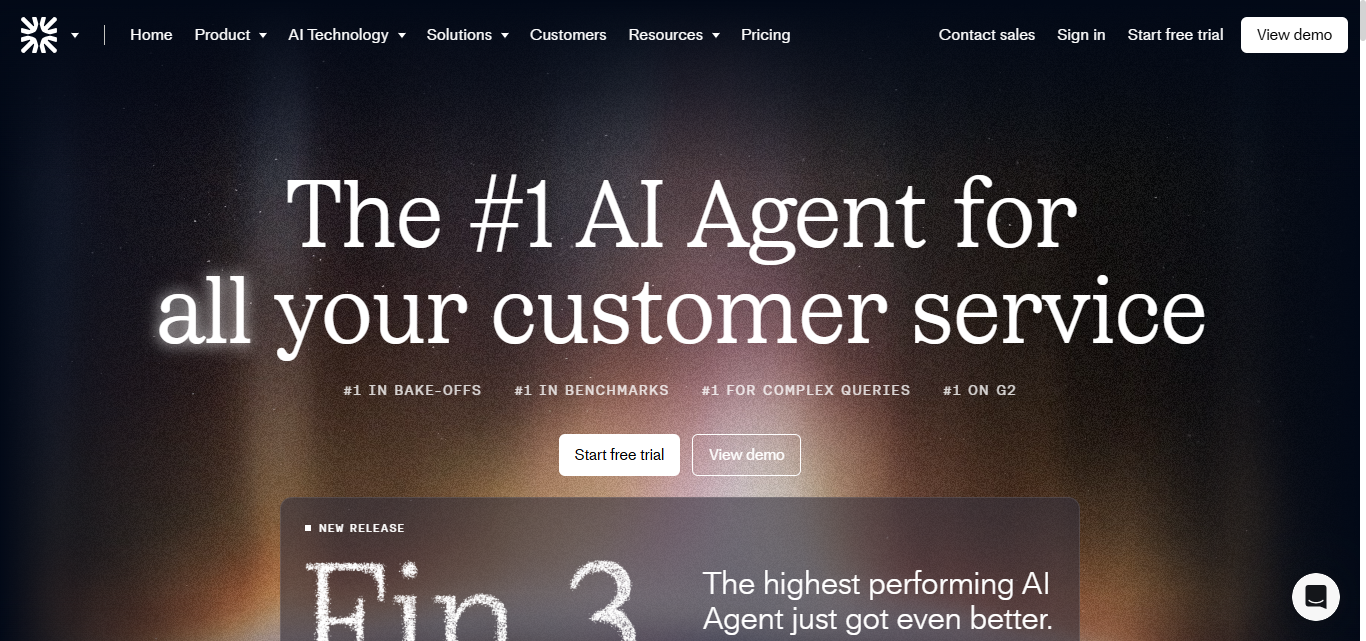
Intercom Fin is the polished, good-looking AI agent you’ll want on your support team… until you start using it long enough to see both the magic and the mood swings.
Fin absolutely slaps when it comes to clean, accurate answers. That’s the whole selling point. It’s one of the few AI agents that genuinely feels safe enough for enterprise support without you babysitting every reply. You drop it into Intercom, train it on your help docs, and it fires off responses that actually make customers feel heard instead of “AI’d.”
And since it’s sitting inside Intercom’s ecosystem, everything connects smoothly. It has great handoff, context, and session history.
Fin is Intercom’s golden child, and Intercom knows it. The price stings if you’re an SMB. You’re basically paying for premium accuracy plus the privilege of being locked inside Intercom’s ecosystem. And while Fin is brilliant at answering questions, it’s not going to give you the deep workflow magic you get in more automation-heavy tools.
If you're already an Intercom customer, Fin is hard to resist. If you're not… the cost alone will make you think twice.
Pros
- Extremely accurate answers that feel human and helpful
- Works perfectly inside the Intercom ecosystem
- Takes handoffs, routing, and context very seriously
- One of the most reliable AI agents for enterprise-level support
Cons
- Even more expensive if you’re already deep into Intercom
- Locked into the Intercom ecosystem
- Not great for building advanced workflows beyond question-answer support
- Pricing can scale fast as conversation volume grows
Tidio Lyro
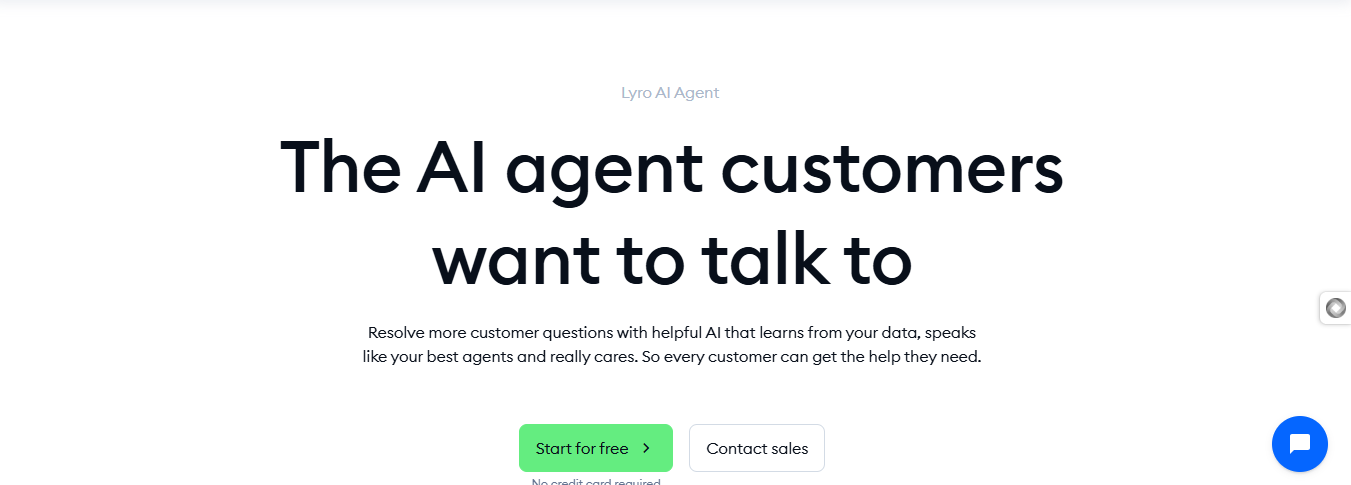
Tidio Lyro is the friendly, eager-to-help AI support agent that you plug in when you want something quick, simple, and reliable without drowning in setup work. It’s built for small teams, solo founders, and early-stage businesses that just want their support inbox to stop burning without paying enterprise prices.
If your support operation is still simple, Lyro feels like a lifesaver. If you’re growing into more complex workflows, you’ll eventually outgrow it – but it’ll serve you well while you’re small.
You feed it your help-center articles or a few key resources, and it instantly starts handling common questions with pretty solid accuracy. The vibe with Lyro is very “lightweight but helpful.”
You're not getting deep workflow automation or advanced agentic behavior. This isn’t a platform that tries to run your whole support ops; it’s more like a pressure valve that stops your team from drowning in repeated questions. It’s especially good for small e-commerce brands or service businesses that need fast, clean responses and nothing too fancy.
Where Lyro hits a wall is whenever your setup gets complex. Multi-step workflows, deep logic, layered decision-making… that’s not really Lyro’s world. It’s built for speed and simplicity, not enterprise chaos. And while the accuracy is decent, it sometimes struggles with nuanced or multi-variable questions.
Still, for the price and simplicity, it deserves its spot on the list.
Pros
- Super easy setup that takes minutes, not hours
- Great for small teams who need repetitive questions handled automatically
- Clean interface that doesn’t overwhelm beginners
- Friendly pricing compared to bigger players
Cons
- Not built for complex workflows or heavy automation
- Accuracy can wobble with nuanced or multi-step questions
- Works best only if you stay inside the Tidio ecosystem
- Can feel limiting once your support needs start scaling
Lindy

Lindy is technically a multi-purpose AI agent, but plenty of teams use it for support ops, and honestly, it holds up really well. I’ve used it for support tasks myself, and it’s one of those tools that quietly proves how far AI agents have come. It’s reliable, flexible, and works across more use cases than most platforms in its category.
The appeal of Lindy is that it feels like an actual AI teammate. You log in, describe what needs to happen, and it spins up an agent in minutes. You can start from one of its ready-made templates or build your own workflow using the drag-and-drop interface. It’s simple enough to get running fast, but powerful enough that you can stitch together advanced support flows if you know what you’re doing.
Because Lindy supports so many use cases, you can tie them together into a surprisingly robust support workflow. It’s one of the rare platforms where being multi-purpose actually works in its favor.
Another big advantage: Lindy integrates with a huge range of tools. CRMs, ticketing systems, communication apps, internal databases… a lot. That alone cuts out a ton of friction when building cross-system support automation.
Key Features
- AI agents that spin up from natural language instructions
- Ready-made templates for quick starts
- Drag-and-drop workflow builder
- Broad integration support across CRMs, ticketing systems, and internal tools
- Useful across multiple departments: support, sales, ops, admin
Pros
- Very flexible and works across many use cases
- Can scale from simple automations to complex, multi-tool flows
- Big integration ecosystem
- Easy onboarding with clear templates and examples
Cons
- Because it’s multi-purpose, it requires good planning to structure really clean support workflows
- It can feel overwhelming if you only want a narrow support-specific tool
- More configuration is required than niche support automation platforms
- Workflow performance depends heavily on how well you design the logic
Yellow.ai

Working with Yellow.ai feels like working with one of those incredibly talented coworkers who can do things no one else can, but also stress you out when they decide to be difficult. You’ll love it for what it does well, you’ll hate it for how heavy it can feel, and somehow you’ll keep coming back because there are very few tools that match its power when you really need enterprise-level depth.
Yellow.ai is built for the big players. Large support teams, complex systems, multi-channel operations, global deployments. If you’re an SMB looking for something lightweight or budget friendly, this is not your tool. But if you’re running high-volume support across multiple channels and need something that can handle genuinely complex workflows, Yellow.ai can be a beast in the best possible way.
What stands out is how it handles multi-step support tasks across more than thirty channels. Chat, voice, email, WhatsApp, app messaging. It’s everywhere. You define your goals, and Yellow.ai’s system builds around them. It feels like a “super agent” that manages and coordinates everything behind the scenes.
It also has some of the smartest workflow logic I’ve seen. Data retrieval, reasoning steps, action chains, system calls. If you want something that can think and act on behalf of your team, Yellow.ai does it better than most platforms. But you’ll need patience. The setup can be intense, and it’s not always friendly if you’re just getting started.
All that said, when Yellow.ai works, it really works. And that’s why people stick with it.
Key Features
- Agentic RAG setup that retrieves data, reasons through tasks, and acts autonomously
- Advanced automation for multi-step workflows like onboarding, ticket routing, or order processing
- Multi-modal conversations that work across voice, chat, email, and more
- Real-time debugging to monitor decisions, API calls, and logic paths
- Faster deployment compared to traditional enterprise tools
Pros
- Exceptional at handling complex, multi-step support workflows
- Integrates well with large enterprise systems
- Very flexible thanks to its multi-LLM approach
- Powerful logic and deep customization for advanced use cases
- Great for global companies with many channels
Cons
- Not suited for small or early-stage businesses
- Requires technical knowledge to unlock its real power
- Workflows can feel heavy and occasionally overwhelming
- Analytics and reporting still need refinement
- The platform’s complexity can slow down quick iterations
Chatbase

Chatbase markets itself as an AI agent for customer support, and that’s exactly the direction it’s been moving toward. It started as a simple “build an AI chatbot and stick it on your site” tool. Still, over time, it has evolved into something that can actually handle support tasks end-to-end, without overwhelming you with enterprise-grade complexity.
From hands-on use, Chatbase is one of the easiest tools to rely on when you want customers to go from “I need to reset my password / check my order / update my info” to actually getting those tasks done. It’s quick, simple, and clearly built for action rather than endless conversation loops.
The real support automation comes from its AI Actions, which let you automate almost any support task: checking Stripe payments, pulling Shopify orders, updating CRM entries, triggering refunds, creating tickets, sending Slack messages; you get the point. It’s flexible in a way that fits teams who want functionality without spending weeks mapping flows.
Chatbase connects to your systems, runs structured workflows, and offloads repetitive tasks your agents would normally repeat all day. And because it works across multiple channels, your website widget, Messenger, and Instagram DMs, it doesn’t live in just one corner of your support stack.
Key Features
- AI Actions for automating tasks like refunds, order lookups, CRM updates, and ticket creation
- Connects to your systems and triggers workflows based on customer requests
- Multi-channel support: website widget, Messenger, Instagram
- Lightweight, fast setup designed for non-technical teams
- Supports a wide range of AI models
Pros
- Very quick to deploy and get value from
- Strong balance of simplicity and real automation power
- Flexible action builder for everyday support tasks
- Great for small and mid-sized teams
- Clean UI and straightforward onboarding
Cons
- Lacks advanced workflow depth compared to more sophisticated platforms
- No visual chatbot builder, which makes complex flows harder to design
- Many setups require figuring things out manually
- Not ideal for complex enterprise environments
- Limited customization compared to larger platforms like Crisp
Relay.app
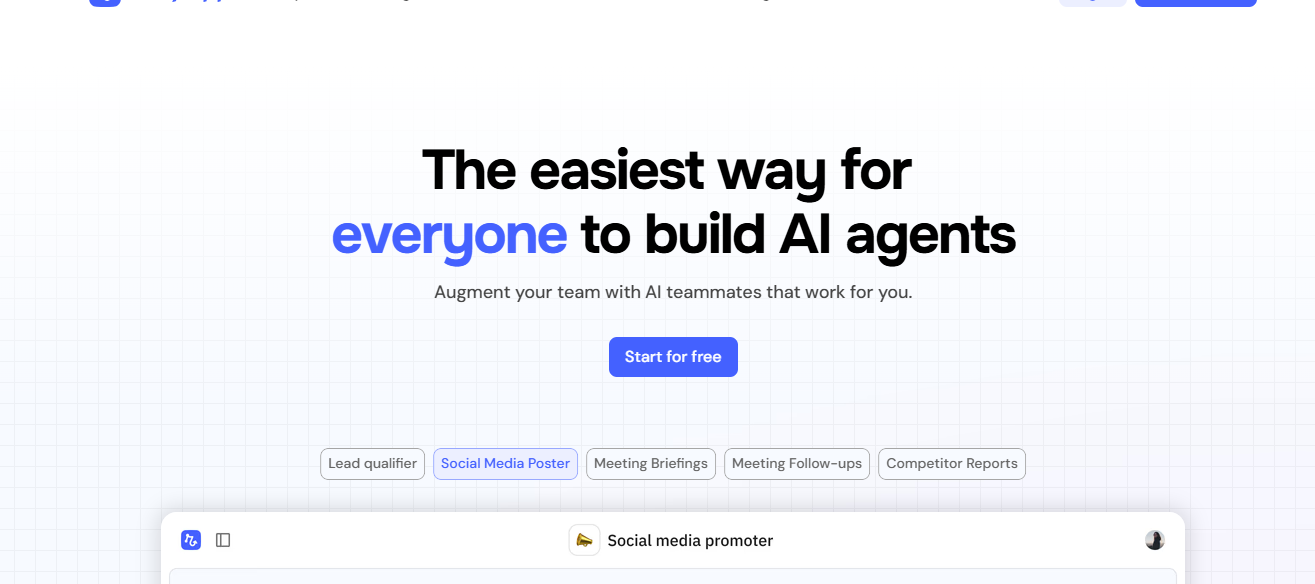
Relay.app positions itself as a no-code automation platform built for customer success and support teams, and honestly, that description feels accurate. Spend enough time with it, and you start noticing things it pulls off with a kind of ease you don’t always see in similar tools.
Relay.app gets a lot of love for being easy to use, and I agree—mostly because I’ve done a lot of things with it with ease that I find a bit harder to pull off elsewhere. Compared to many workflow automation tools, Relay feels lighter, simpler, and less punishing. You’re not fighting the interface. You’re not trying to decode some mysterious automation logic. You just drag, drop, adjust, and move on.
I love the strong human-in-the-loop setup. The architecture strongly favors blending automation with human approvals or human decision points in a way that doesn’t break the flow. It’s great for support scenarios where you want the system to do the heavy lifting but still loop in an agent when things get sensitive or require judgment.
The drag-and-drop workflow builder is genuinely friendly. It works well with CRMs like Salesforce and HubSpot, and helpdesk tools like Zendesk and Intercom. You also get a bunch of ready-made workflows you can deploy instantly.
Key Features
- Clean drag-and-drop builder for building workflows visually
- Human-in-the-loop steps for tasks that need human approval or review
- Integrations with major CRMs
- Ready-made workflow templates you can deploy instantly
- Combines customer success and customer support use cases in one place
- Good handling of mid-level logic and branching
Pros
- Genuinely easy to use
- Human-in-the-loop workflows make automations more flexible
- Reliable and stable
- Great for support teams who want to automate without writing code
- Drag-and-drop interface keeps things visual and simple
- Good balance of usability and capability for its category
Cons
- Limited integration library compared to tools its size
- Editing existing workflows can sometimes feel clunky
- Not ideal for highly complex or enterprise-level workflows
- Still growing as a platform, so some features lag behind more established competitors
Chatling
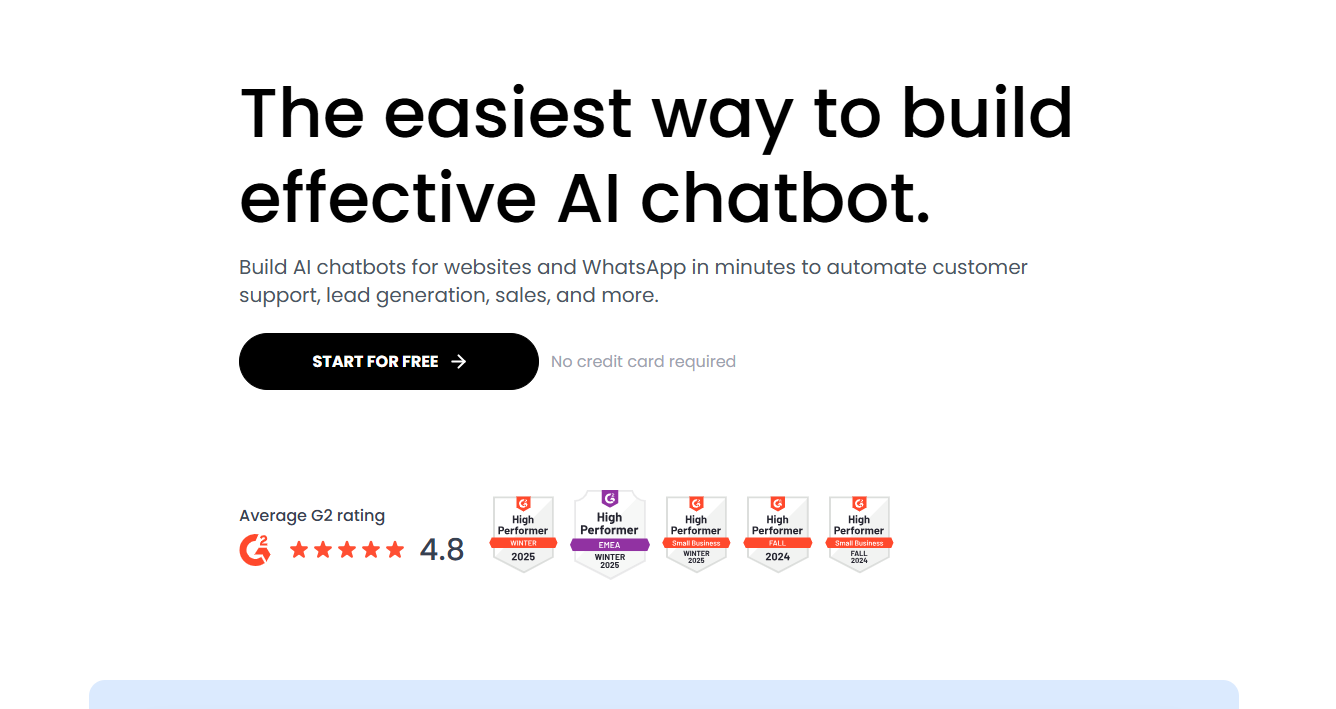
Chatling is a no-code AI platform built for people who want something fast and straightforward. I’ve used it for support tasks, and the first thing you notice is how quickly you can set something up. You create your bot, connect your data, tweak the tone, and it’s ready to work.
In my experience, Chatling is one of the better choices for small businesses or anyone trying to enhance their customer service workflows without spending heavily on automation tools. It’s simple, clean, predictable, and honestly pretty affordable for what it offers. If your support needs are mostly around FAQs, order tracking, basic troubleshooting, or turning site visitors into leads, it does the job surprisingly well.
That said, it isn’t perfect. When your flows start getting complex, the builder can feel a bit clunky. And I’ve seen support responses take longer than expected at times. But if you want something reliable for everyday support tasks, Chatling delivers more often than it disappoints.
Key Features
- No-code builder that lets you launch a trained chatbot in minutes
- AI agents built for FAQs, order tracking, reservations, and simple tech support
- Built-in lead generation that syncs with your CRM
- Plenty of control over the look and conversational tone.
- Supports more than 85 languages for global audiences
Pros
- Very easy to set up, even if you’re not technical
- Affordable option for small teams and growing businesses
- Handles everyday support tasks like FAQs and order tracking really well
- Useful for turning site visitors into leads
- Strong language support for global audiences
- Clean interface that makes quick adjustments simple
Cons
- Builder becomes clunky once your workflows get more complex
- Limited depth compared to more advanced automation platforms
- Not ideal for heavy or multi-step support operations
- Support responses can be slow at times
- Customization is solid but not as flexible as higher-tier tools
Wonderchat
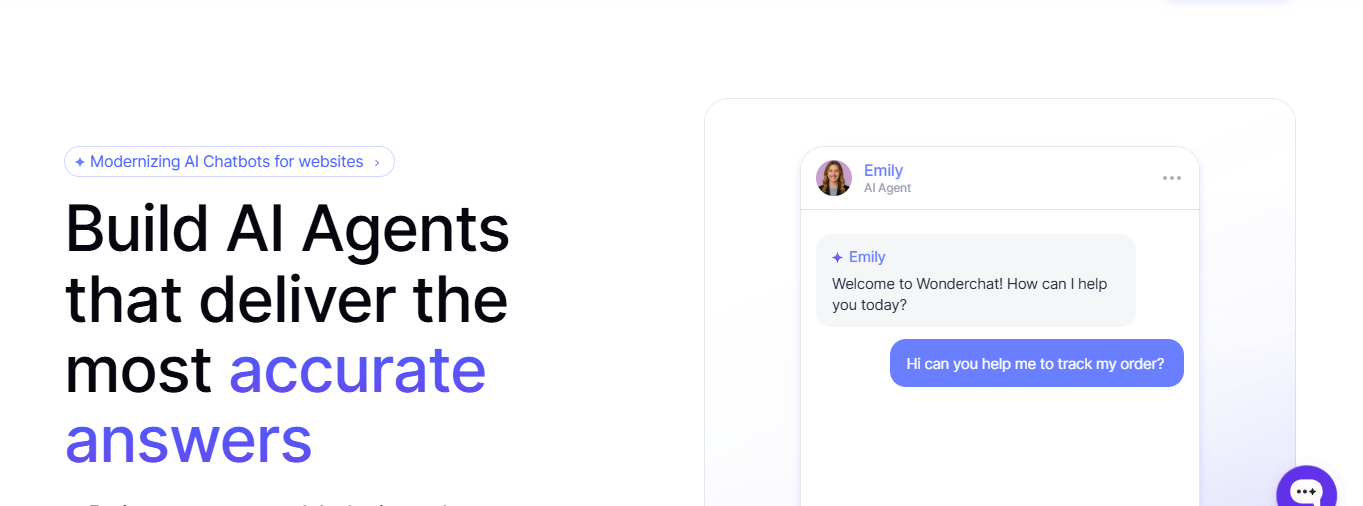
Wonderchat is one of those tools you try for a quick test and then suddenly realize you’ve built a fully functional AI agent without even meaning to. It’s a no-code AI chatbot builder, but people use it for more than chatbots. It’s become a simple way to spin up support-focused AI agents that understand your business, answer questions accurately, and feel aligned with your brand.
I’ve used Wonderchat for support tasks, and the biggest advantage is how fast everything comes together. You basically describe what you want, feed it your data, set the tone, and within minutes, you have an agent that feels like it belongs on your team.
It’s a bit like using Chatbase. If you’ve used Chatbase before, you already have an idea of how it works. You’ll probably approach WonderChat expecting a simple AI chatbot to slap on your website and handle the basics. And that’s fair, it’s marketed that way, and that’s how most people first interact with it.
But once you dig in, you realize it can do a lot more. It handles the basics efficiently, really well, actually.
Where it starts to fall apart is when things get complex. Multi-step workflows? Heavy enterprise setups? Not its strong suit. It wasn’t built for the big stuff. For basic automation, though, it’s solid, reliable, and surprisingly capable.
Key Features
- No-code creation that lets you build and deploy an AI agent trained on your data in minutes
- Custom training on URLs, webpages, PDFs, and other files so the agent reflects your company’s knowledge
- Automatic flagging for any questions the AI can’t answer
- Choice of ten AI models from OpenAI, Claude, Gemini, and more
- Multi-modal deployment across web, phone, and voice
- Live chat and human handoff with full conversation history
Pros
- Extremely fast setup
- Easy to train with your content without touching code
- Natural conversational style that feels less scripted
- Works across multiple channels, not just website chat
- Good option for teams who want simple, reliable self-service
Cons
- Better for support Q&A than advanced task automation
- Limited workflow depth compared to heavier systems
- Not ideal for very complex support operations
- Customization depth is lighter than enterprise-focused tools
Support teams that run themselves
AI agents aren’t optional anymore. They’re the only way support teams keep up without drowning in tickets or hiring an army. After testing all these tools, the pattern is obvious: some shine at keeping things simple and smooth, others are built like tanks for enterprise chaos. The trick is picking the one that matches the stage your business is actually in, not the fantasy version of it.
If you want fast wins, go with a tool that nails the basics. If your support setup looks like a spaghetti monster of systems, grab something heavier. Either way, the game has changed. Customers expect speed and accuracy, and AI finally makes that realistic without blowing up your budget. Start small, keep it clean, and upgrade only when your support ops genuinely need more power. That’s how teams stay sane in 2026.
1. What is the core strength and philosophy of each platform?
Crisp: Built to balance power and simplicity. The idea is “grow with you”: start lightweight, scale into complex automation that can handle any workload without switching platforms.
Intercom Fin: Accuracy-first, enterprise-safe answers. Philosophy: minimize risk, even if flexibility takes a hit.
Chatbase: Action-oriented simplicity. Philosophy: get tasks done fast without drowning teams in configuration.
Lindy: Generalist automation brain. Philosophy: one AI agent that can do many jobs if you can overcome the learning curve to design it well.
Relay.app: Human-in-the-loop workflows. Philosophy: automate aggressively, but never lose human control.
Yellow.ai: Enterprise depth at all costs. Philosophy: complexity is acceptable if scale demands it.
Tidio Lyro / Chatling / Wonderchat: Speed and accessibility. Philosophy: handles the basics excellently well and stays out of the way
2. Which platform is optimized for action vs conversation?
Best for real task support execution: Crisp, Chatbase, Lindy, Yellow.ai
Best for high-quality answers: Intercom Fin, Crisp, Lyro, Chatling
Best hybrid (talk + act): Crisp, Chatbase
3. Which tool scales without forcing a platform switch later?
Scales cleanly from SMB → enterprise: Crisp, Intercom
Scales only if you commit early: Intercom, Yellow.ai
Hits a ceiling eventually: Tidio Lyro, Chatling, Wonderchat, Chatbase
Scales horizontally very well: Lindy, Relay.app
4. Which platform fits your operational reality today?
Lean team, messy workflows → Crisp or Chatbase
Polished enterprise support → Intercom Fin, Crisp
Internal ops + support hybrid → Lindy
Compliance-heavy, global org → Yellow.ai
Simple deflection needs → Lyro, Chatling
Views from the community
Crisp, Chatbase, and Yellow.ai are some of the most frequently discussed chatbot-style AI agents for support automation.
Key trends from user feedback highlight:
Automated Routine Answers: Users say Crisp’s AI chatbot and automation features are awesome, and praise its ability to deal with routine questions and draft replies, reducing manual workload on common support tasks like FAQs, auto-routing, and suggested replies (source: Reddit user discussions).
Ease of Deploying Bots: Chatbase is praised for enabling quick setup of AI agents to handle basic customer inquiries and auto-respond across channels, though some reviewers point out it’s better for FAQ-type automation than for complex workflows (source: G2 user reviews; Reddit commentary).
Enterprise-Scale Automation: Yellow.ai’s automation is noted for handling large volumes and multilingual interactions, with many G2 reviewers saying its AI chatbots automate a broad set of support tasks 24/7 and reduce pressure on human teams — though some users also say the learning curve and support responsiveness can be an issue (source: Yellow.ai reviews on G2).
Micro-quotes from community comments reflect these experiences:
“Crisp’s AI helped with drafting replies and auto-routing, so our team wasn’t drowning in repetitive tickets.” — Reddit commenter, Johnny, on support AI automation.
“Chatbase gets you launched fast and keeps basic automation running, but it feels more like a FAQ bot than a full support automation engine.” — User review summary from G2.
“Yellow.ai’s bots are powerful for large teams, handling routine support with minimal human touch — but expect a learning curve and occasional performance quirks.” — G2 reviewer sentiment on enterprise AI automation.
Sources and methodology
Our analysis combines public benchmarks, verified user feedback, and over three years of hands-on experience building and running automated customer support workflows with some of the tools covered in this guide.
Key sources include:
Hands-on testing (3+ years): Direct, extensive use of tools Chatbase, Relay.app, Lindy, and Yellow.ai. As well as Crisp, Wonderchat, and a number of similar tools.
Crisp website: Product features, automation capabilities, integrations, and pricing
Chatbase website & documentation: AI Actions, agent behavior, deployment model, and limitations
Intercom Fin documentation: AI answer quality, routing logic, and handoff behavior
G2 reviews: Aggregated user feedback with emphasis on automation impact, time savings, and usability
Capterra reviews: Additional user perspectives on setup effort, reliability, and workflow automation
Reddit discussions: Practitioner-led conversations in communities such as r/SaaS, r/ecommerce, and r/CustomerSuccess focused on real automation outcomes in production environments

May 2026 - Product Update
Bulk actions, widget controls & smarter Hugo... Discover all the new features released by the Crisp team in May 2026.


The Future of Agent Onboarding: Conversational AI as Your Trainer
Want to get a glimpse of your future support agent onboarding? Here is how conversational AI as a trainer can help your business surf the AI wave.


April 2026 - Product Update
Discover 30+ new features released by the Crisp team in April 2026.